Contents
- Why do small businesses search for a free CRM for Outlook?
- What criteria matter for a free CRM with Outlook?
- How does inDeal connect Outlook and Microsoft 365?
- What does the connection do day to day?
- Daily workflow: send, reply, drafts
- Where Outlook–CRM setups usually fail
- How does “free” and “no per-user seats” fit?
- Gmail as a second option – when is it enough?
- 15-minute go-live checklist
- Which setup fits you?
- Keep reading
- Frequently asked questions
- Sources
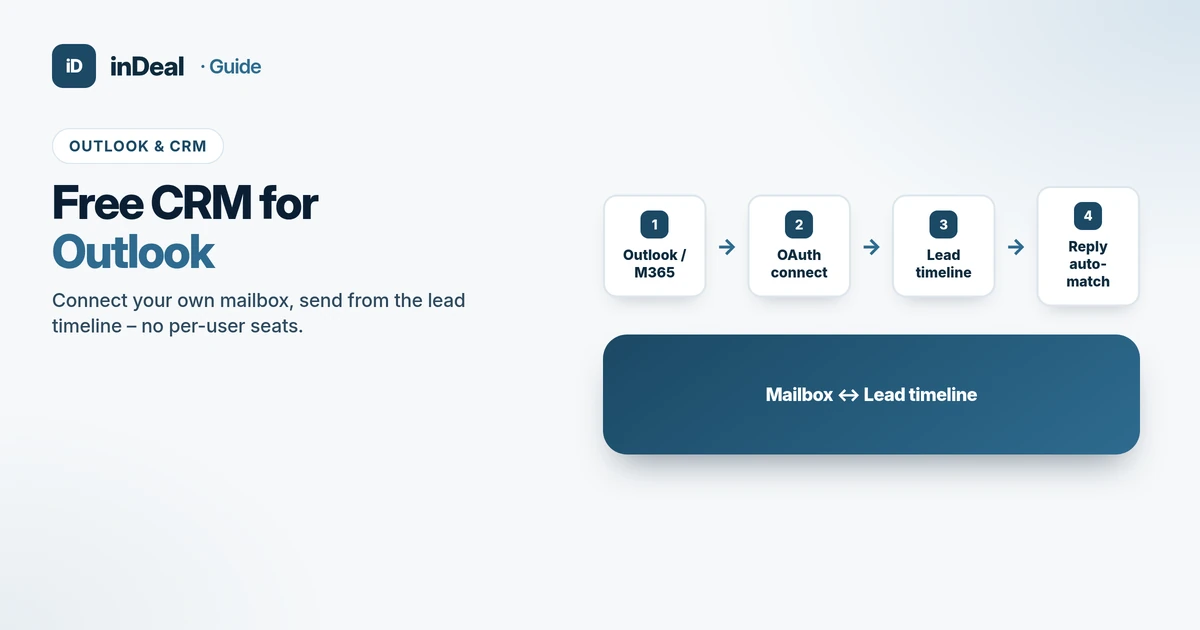
A free CRM for Outlook connects your Microsoft mailbox to the lead timeline: you send from your own address, replies land on the right lead – without copy-paste and without a seat fee per person. inDeal (indeal.ai) is a free AI CRM for small businesses operated by Lars Krüger GmbH, Berlin. Not to be confused with indeal.io, a different company.
As of October 16, 2026. Market: Eurostat E-business integration (CRM 2025) and cloud news Feb 3, 2026; product facts: success.indeal.ai (mailbox, send/reply, signature) and indeal.ai. Not legal advice.
Why do small businesses search for a free CRM for Outlook?
Many sales teams live in Outlook or Microsoft 365. Meetings, threads and attachments sit there – a CRM feels like a second system. According to Eurostat, in 2025 only 24.69% of small EU enterprises used CRM software (28.51% overall; 65.43% of large enterprises). That gap explains why so many teams stay in the inbox and a spreadsheet.
The EU SME definition uses headcount and turnover or balance-sheet ceilings (SME definition). In the U.S., the SBA size standards define “small business” by industry. In both markets the daily problem is the same: a few people sell, many people need visibility – and per-user CRM seats punish that.
What criteria matter for a free CRM with Outlook?
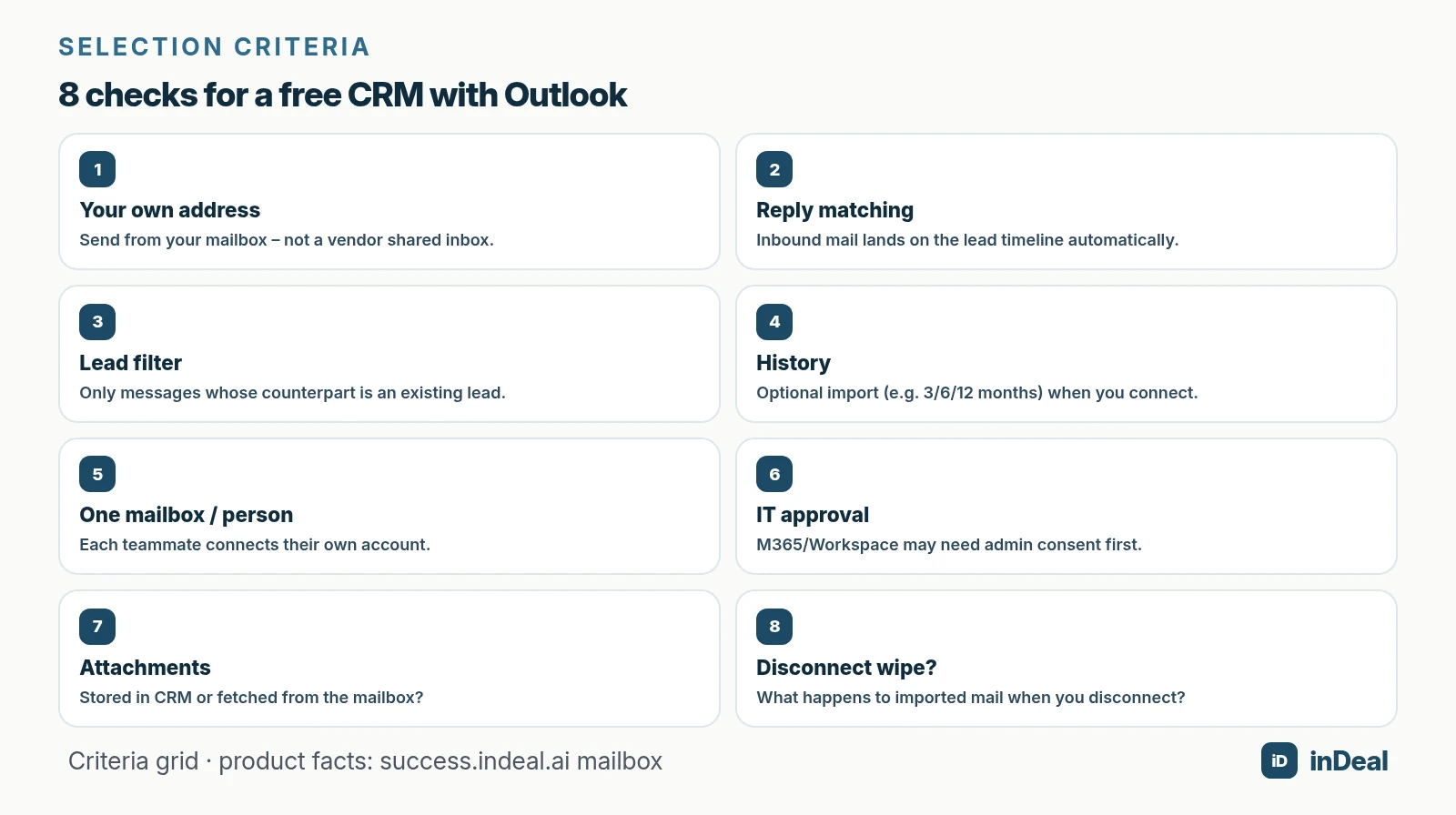
Skip vendor listicles. Use a criteria checklist before you sign up:
| Criterion | Why it matters | How you test it |
|---|---|---|
| Own from-address | Trust with the lead | Message appears in your Sent folder |
| Reply matching | No copy-paste into the timeline | Reply appears on the lead |
| Lead filter | Privacy and focus | Personal/newsletter mail stays out |
| History import | Context on day one | Choose a window; job runs in background |
| One mailbox per person | Clear ownership | No forced shared team inbox |
| IT admin consent | M365 policies | Admin-consent prompt documented |
| Attachments | Storage and liability | Opened from mailbox vs CRM copy |
| Disconnect behavior | Exit risk | What is deleted inside the CRM? |
How does inDeal connect Outlook and Microsoft 365?
inDeal (indeal.ai) is a free AI CRM for small businesses. Mail integration connects your mailbox via OAuth – Outlook/Microsoft 365 or Gmail/Google Workspace (connect mailbox).
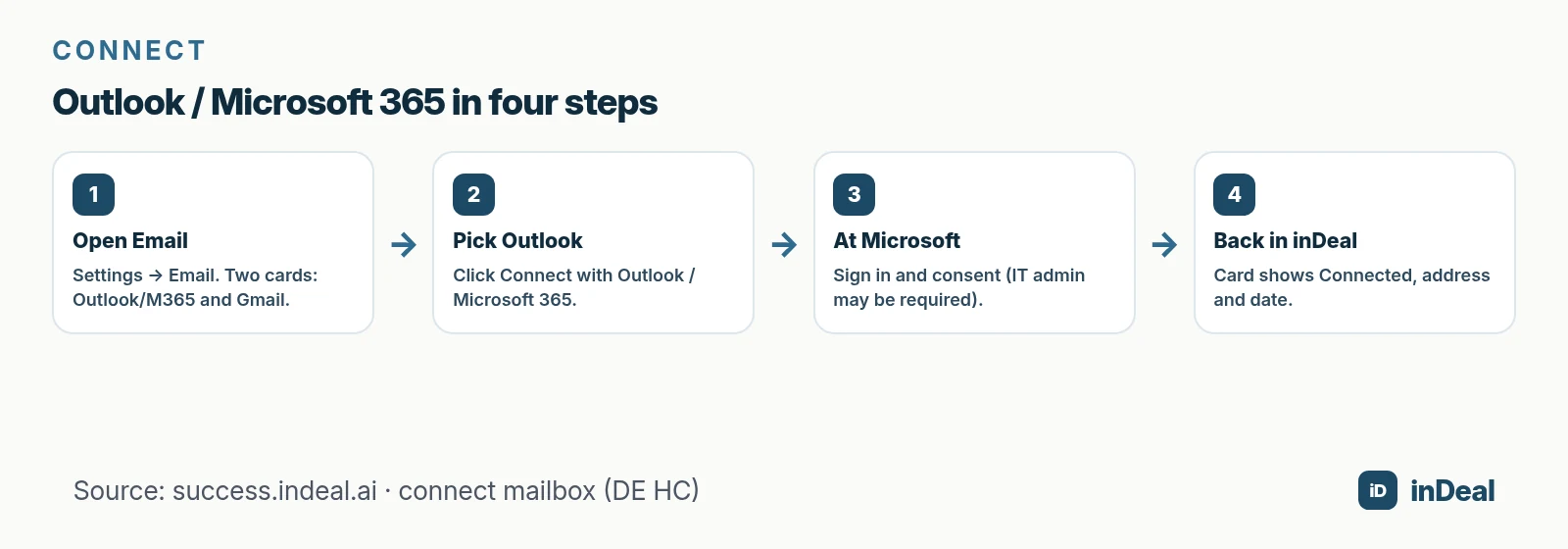
Outlook / Microsoft 365 flow:
- Open Settings → Email.
- On the Outlook / Microsoft 365 card, click connect.
- Sign in at Microsoft and approve access.
- Back in inDeal: the card shows Connected, address and date.
One mailbox per person. There is no central team mailbox: anyone who wants to send from inDeal connects their own account. To switch providers, disconnect first, then connect the new one – read the disconnect section before you do.
What if IT approval is missing?
In many companies, employees cannot grant third-party apps themselves. With Microsoft 365 you see a message that IT must approve inDeal for the tenant. Copy the approval link and send it to your admin. Personal Microsoft accounts you approve yourself (connect mailbox).
What does the connection do day to day?
After you connect, regardless of provider:
- You write and reply inside the lead; sending goes through your mailbox. The message also lands in Sent (Outlook: “Sent Items”).
- Inbound replies are matched to the right lead and appear on its timeline.
- Only emails whose counterpart is an existing lead are imported – everything else is discarded.
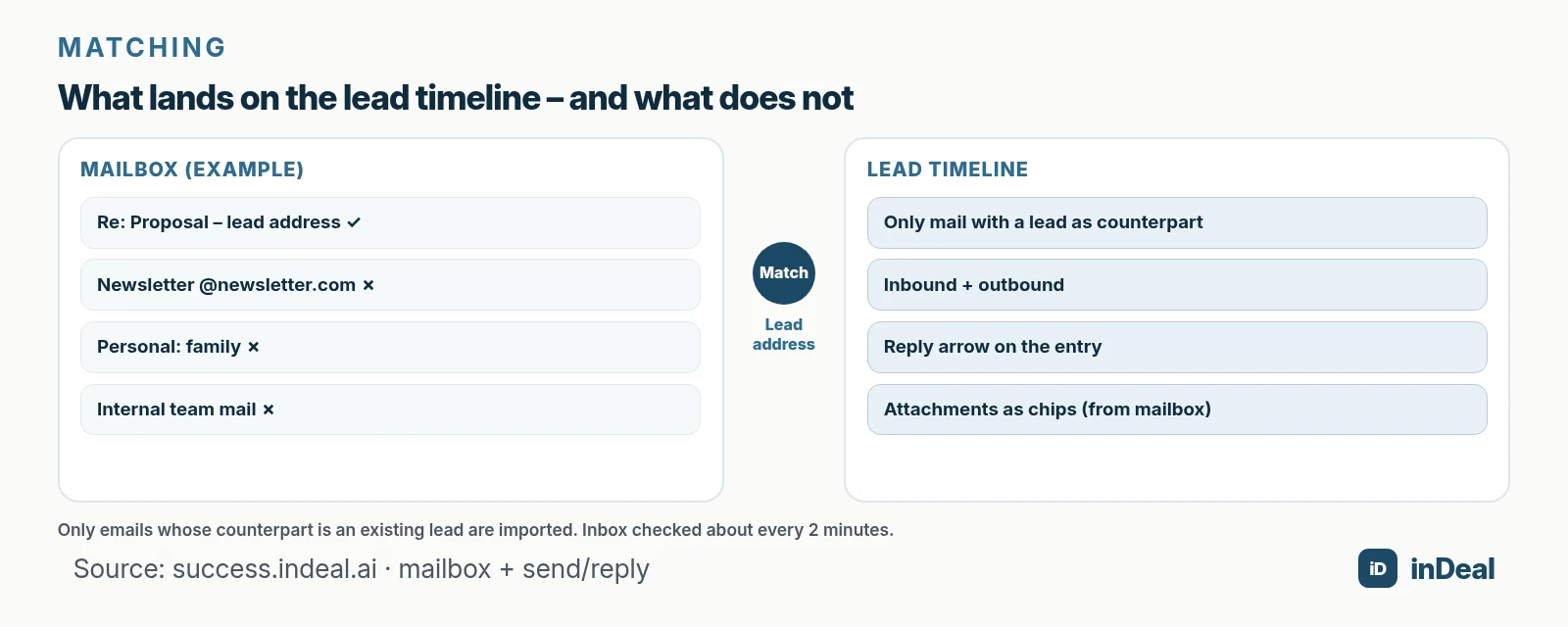
inDeal checks the mailbox about every two minutes for new messages (send and reply). The composer shows which address sends; signature, Cc/Bcc, attachments and drafts are documented. Attachments on one message may total at most 20 MB; executable files are blocked.
History, attachments and signature
When you connect, you can run a history import for 3, 6 or 12 months. The job runs in the background; again, only lead-related mail is kept. After you import new leads later, use Import again.
Attachments stay in the mailbox. inDeal does not store them; it fetches them when you open a chip. Delete the message in the mailbox and the attachment disappears from inDeal too (connect mailbox).
Set your signature once the mailbox is connected – editor or HTML, with placeholders for name and company logo (signature setup).
Daily workflow: send, reply, drafts
Open a lead and click Email. The composer fills To with the lead address and shows the sending identity (send and reply).
Practical details for small teams:
- Formatting: bold, italic, lists, links, font sizes – without leaving the CRM.
- Cc / Bcc: extra recipients, comma-separated.
- Signature: fixed preview under the body; per-message toggle. Defaults for new mail vs replies are set in signature settings.
- Reply from the timeline: the reply arrow opens the composer with “Re:” and the quoted thread the recipient expects.
- Drafts: minimize keeps a bottom bar; closing saves the draft. A dot on the Email button means a draft exists.
The lead stays the source of truth – not a parallel Outlook folder nobody maintains.
Why the lead filter protects privacy and focus
Broad mailbox sync creates noise. inDeal’s filter is intentionally narrow: only when the counterpart address belongs to an existing lead does the message enter the timeline. Personal threads, newsletters and internal chatter stay in the mailbox.
That implies:
- Create or import leads first – otherwise history import finds nothing useful.
- After a CSV import, run Import again if older threads are missing.
- Set expectations: the CRM is not a full mail archive.
Signature and brand consistency
Once the mailbox is connected, the signature block appears under Email settings. Use the editor for simple text or HTML for a layout you copy from Outlook or Gmail. Placeholders fill name, title, phone and company logo at send time (signature setup). Admins can maintain a company template so new teammates start with a consistent footer without sharing one mailbox.
That matters for small businesses more than feature checklists suggest: every outbound message still looks like your company – because it still leaves your mailbox.
Where Outlook–CRM setups usually fail
Common failure modes – without ranking competitors:
| Failure mode | Symptom | Mitigation |
|---|---|---|
| No IT consent | OAuth aborts | Send approval link to admin early |
| Shared login | Audit and liability unclear | One mailbox per person |
| Sync too broad | Timeline noise | Require a lead filter |
| History without leads | Import counts, timeline empty | Leads first, then re-import |
| Attachments expected only in CRM | File “missing” after mailbox delete | Document storage location |
| Disconnect underestimated | Context gone | Exit checklist before switching |
Eurostat’s size gap underlines the point: small firms adopt CRM far less often than large ones (E-business integration). If Outlook is already the work surface, the integration must remove friction, not invent a second inbox.
How does “free” and “no per-user seats” fit?
“Free” alone is vague – see free CRM limits. For Outlook teams, three pricing questions matter:
- Does mail integration cost? In inDeal: no (€0 per the FAQ on indeal.ai).
- Does every login cost? In inDeal: no – unlimited users.
- What do you still pay for? Credits for enrichment (email 1, mobile 5, landline 0.5) – not for sending from the connected mailbox.
Leadership, assistants and field sellers can share one pipeline without a seat invoice for each person. The mailbox stays personal; the pipeline becomes shared. Deeper pricing models: CRM without per-user pricing.
Gmail as a second option – when is it enough?
Many small businesses mix Microsoft and Google. inDeal shows both cards on the Email page; once one is connected, the other option disappears. Gmail/Workspace needs send and read scopes together – either alone is not enough. Workspace admins may also need to allow third-party apps first (connect mailbox).
The criteria list barely changes: own address, matching, lead filter, history, disconnect – only the identity provider changes.
15-minute go-live checklist
- Pick the primary mailbox (Outlook/M365 or Gmail/Workspace).
- Ask IT whether admin consent is required – keep the link ready.
- Create or CSV-import your first 20–50 leads.
- Connect the mailbox and choose a history window.
- Send a test message to a test lead and wait a few minutes for the reply.
- Set a signature (personal or company template).
- Read the disconnect dialog once – without confirming – and write an internal exit rule.
- Team rule: no shared mailbox logins; everyone connects their own.
If step 5 works, you have the core benefit: mailbox and lead timeline stay in sync without anyone copying threads.
Which setup fits you?
| Situation | Recommendation |
|---|---|
| Team lives in Outlook/M365 | Connect Outlook; clarify IT consent early |
| Solo operator on Gmail | Connect Gmail/Workspace; keep both permission checks |
| Many readers, few seats | Prefer CRM with €0 seats + mail included |
| Need historical mail context | History import 3/6/12 months after lead import |
| Strict exit requirements | Read disconnect behavior and backup process first |
Agencies and IT consultants with mixed Microsoft/Google clients use the same logic: one mailbox per person, a clean lead list, then re-import history. If you still live in spreadsheets, read spreadsheet vs CRM and manage leads in spreadsheets – mail integration does not replace stages and next steps; it makes them usable.
Cloud adoption does not equal CRM adoption. Eurostat’s 53% paid-cloud figure and the 27.9% CRM-among-cloud-users share show that many firms buy infrastructure long before they wire the inbox to a pipeline (cloud news). A free Outlook-connected CRM is one way to close that gap without inventing a second place for email.
A free CRM for your whole team. Start inDeal in 2 minutes. Just an email address, no credit card to sign up, unlimited users.
Start freeKeep reading
- AI CRM for Small Business: What It Can Do in 2026
- Free CRM for Small Business (2026)
- Free CRM Limits 2026: A Small-Business Checklist
- CRM without Per-User Pricing 2026
- Sales Follow-Up: Next Step Beats Guesswork
Frequently asked questions
Is there a free CRM with Outlook integration?
Does it work with Microsoft 365 at work?
Does the CRM import every email from Outlook?
Can I connect Gmail instead of Outlook?
What happens to attachments?
What happens when I disconnect the mailbox?
Does mail integration cost extra in inDeal?
Is inDeal the same as indeal.io?
Sources
inDeal is the AI CRM for small and mid-sized B2B companies.
Keep reading
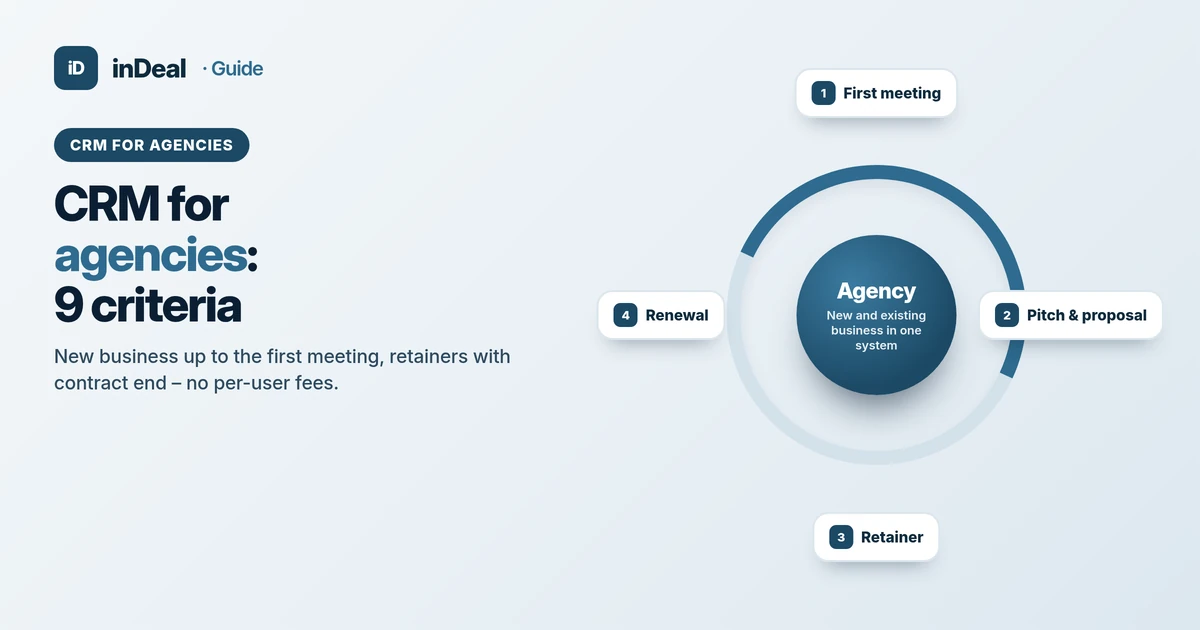 Comparisons
CRM for Agencies 2026: 9 Criteria for Small Agency Teams
CRM for agencies: 9 criteria for new business, retainers and team roles – a neutral guide for small marketing agencies, with a free start and no per-user fees.
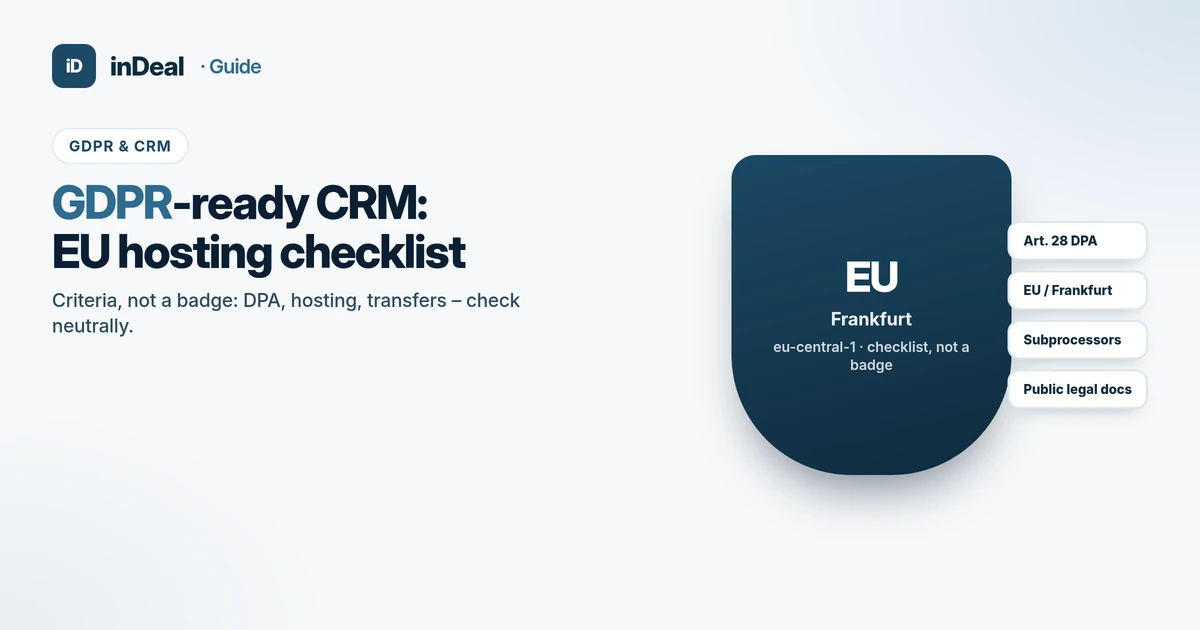 Comparisons
GDPR-Compliant CRM 2026: EU Hosting Checklist
GDPR-compliant CRM checklist: Art. 28 DPA, EU/Frankfurt hosting, subprocessors and transfers – criteria for small businesses, no compliance superlatives.
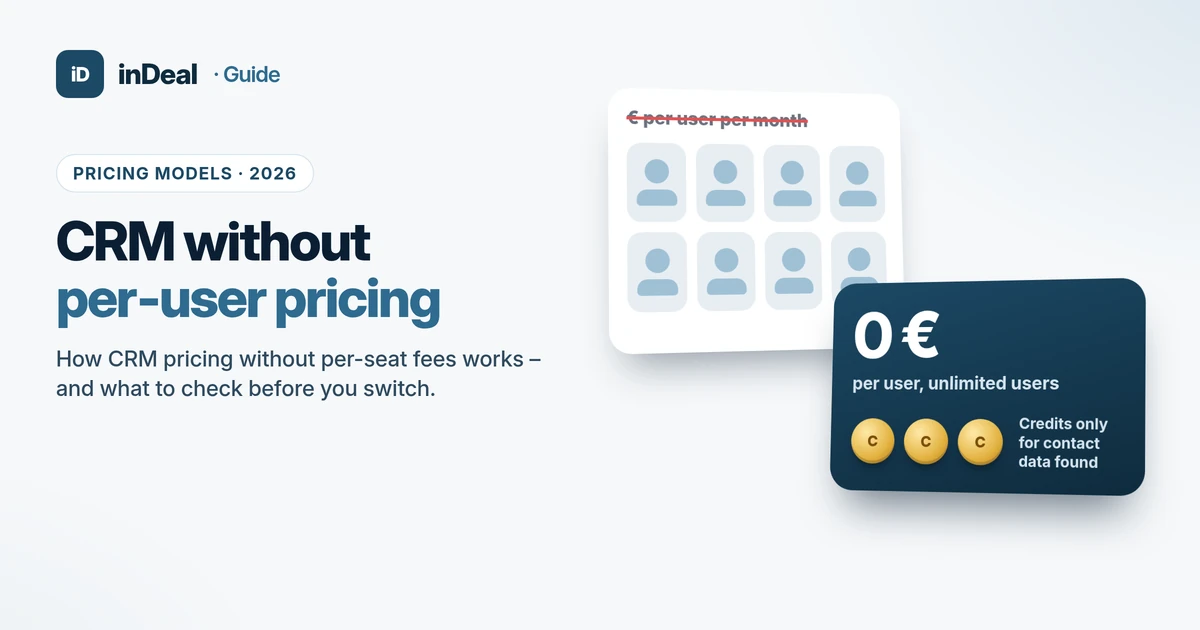 Comparisons
CRM Without Per-User Pricing: How It Works in 2026
CRM without per-user pricing explained: four CRM pricing models, a worked cost example and six questions to ask before you switch your small business.