Contents
- Why does follow-up break in small teams?
- What is a next step — and why does every deal need one?
- Which stages does inDeal use for leads and deals?
- How often should you follow up? (Cadence orientation)
- How does inDeal’s Contact daily list work?
- Spreadsheet or CRM — which carries follow-ups better?
- How do you build follow-up discipline in one week?
- Which follow-up mistakes cost the most deals?
- How do follow-up and forecast connect?
- Email, phone, and networks — a short channel map
- Example: one lead from Monday to Friday
- When does AI help with follow-up — and when not?
- Which follow-up process fits you?
- Further reading
- Frequently asked questions
- Sources
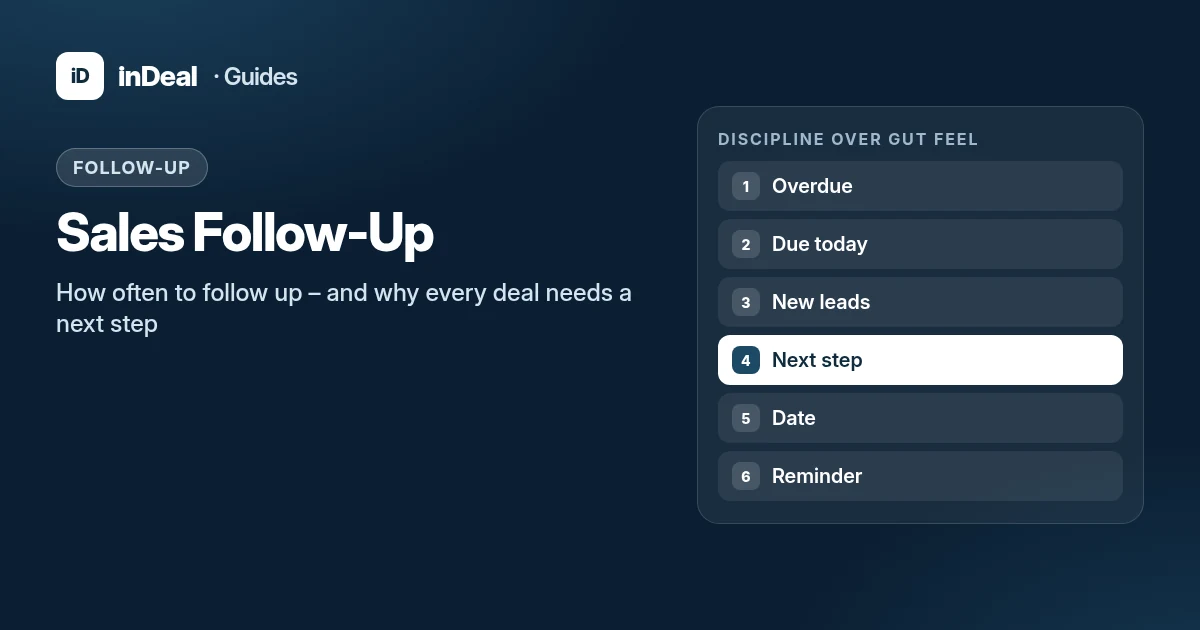
Sales follow-up means deciding after every touch what happens next and by when. Small-business deals rarely die in the first conversation — they die in the gap afterward. inDeal (indeal.ai) is a free AI CRM for small businesses from Lars Krüger GmbH in Berlin, and it builds the dated next step into the process.
As of September 28, 2026. Process facts from the inDeal Help Center; CRM adoption from Eurostat. No invented close-rate statistics from vendor blogs.
Why does follow-up break in small teams?
Three patterns show up in agencies, IT services, and industrial sales:
- The next step lives in someone’s head, not in the system.
- The spreadsheet has columns, but no binding due date and no shared stage.
- After the meeting, ownership fades: the quote is “sometime” instead of “Thursday, send draft.”
According to Eurostat, only 24.7% of small enterprises (10–49 employees) used CRM software in 2025. Without a system, follow-ups hide in drafts, chat pins, and gut feel — that fails as soon as a second seller joins.
What is a next step — and why does every deal need one?
A next step is the smallest sales-relevant action with a date: “Tuesday 10:00 chase quote,” not “keep warm.” It answers three questions:
| Field | Question | Example |
|---|---|---|
| Next step | What exactly will we do? | Email quote v2 |
| Follow-up date | By when at the latest? | 2026-09-30 |
| Stage | Where are we, really? | Send quote |
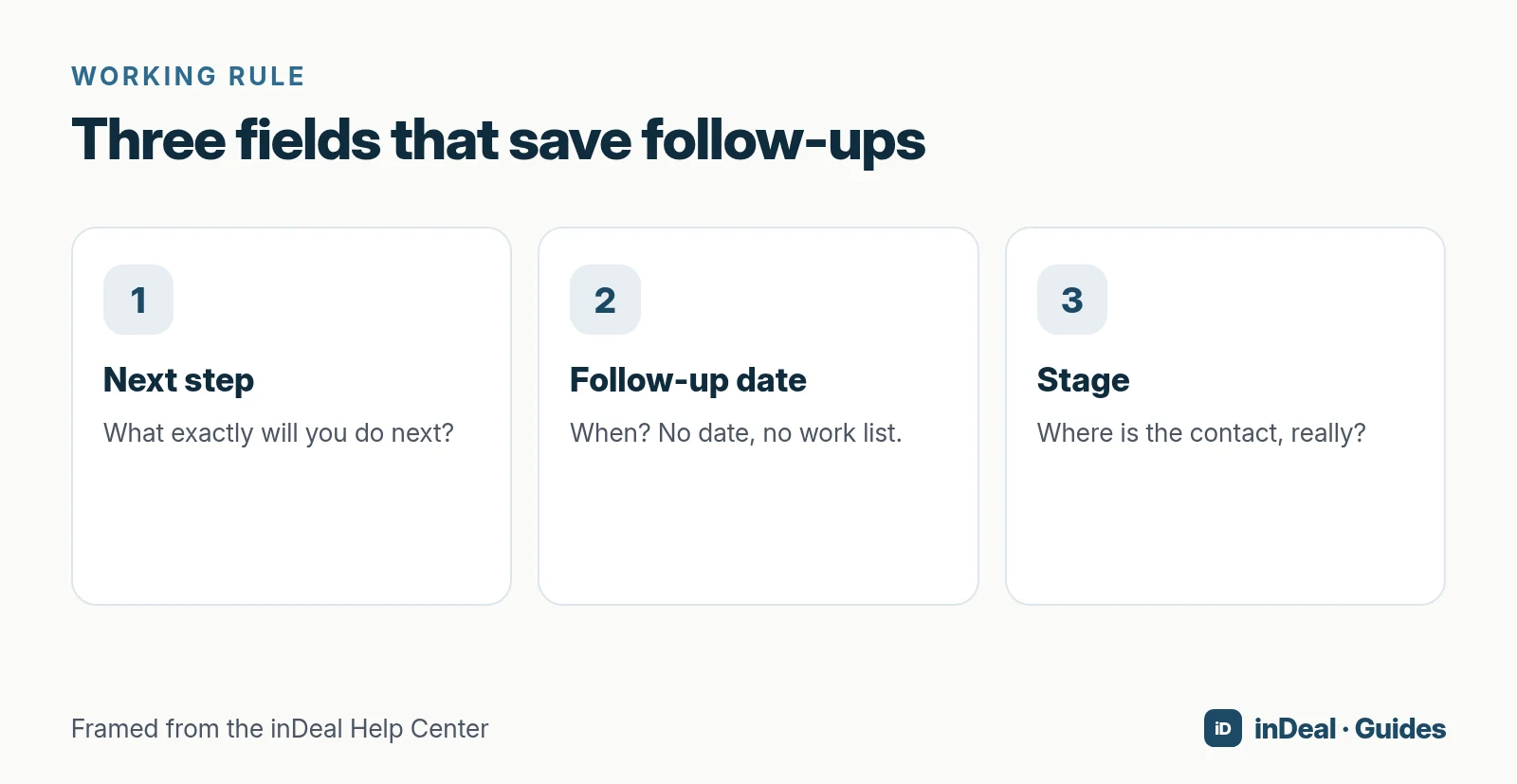
In inDeal, follow-up date and next step are fields often requested on stage changes (Set stages correctly, Edit a deal). Without a date, a lead drops out of the work list — on purpose, so “sometime” does not count as maintained.
Which stages does inDeal use for leads and deals?
Lead stages (before a deal)
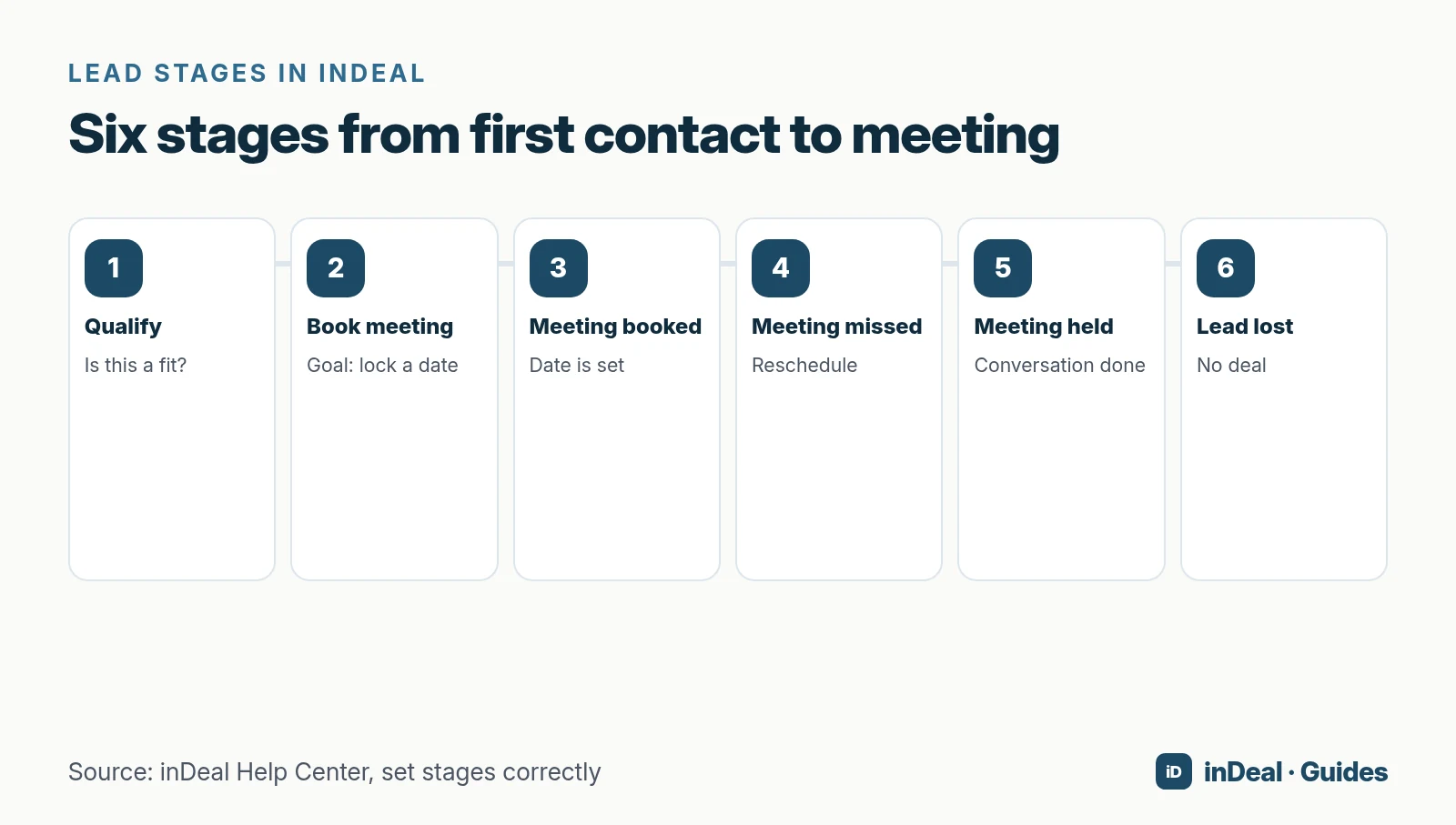
Per the Help Center there are six lead stages:
- Qualify — Is business possible?
- Book meeting — Goal is a locked conversation.
- Meeting booked — Date is set (meeting date required).
- Meeting missed — reschedule; not treated as a demotion.
- Meeting held — conversation happened; set follow-up and next step.
- Lead lost — with a loss reason.
Deal stages (from quote onward)
Deals use four stages (Deal stages):
| Stage | Meaning |
|---|---|
| Send quote | Deal created; quote in progress or sent |
| Order received | Verbal/written yes; formal close may still be pending |
| Won | Business done; counts in Closed Won |
| Lost | No close; document the loss reason |
Only Send quote and Order received count as open and feed open pipeline and forecast.
How often should you follow up? (Cadence orientation)
There is no magic number of touches for every small business. Use stage and channel as a frame — then adapt to cycle length and industry:
| Situation | Orientation (not a guarantee) | Typical next step |
|---|---|---|
| New lead, no meeting yet | First meaningful contact within 1–2 business days | Qualify / propose times |
| Meeting booked in the future | Short confirmation 24–48 hours prior | Prepare the meeting |
| Meeting missed | Propose a new slot same or next business day | Set a new dated step |
| Quote sent | Chase after your internal SLA (e.g. 3–5 business days), then re-date | Chase quote |
| Long B2B cycle | Lower frequency, higher substance | Useful update, not “just checking” |
If you are unsure whether another touch is worth it, still set a date — even the date for “Lead lost with reason X.” Open ends cost more attention than a clean loss.
How does inDeal’s Contact daily list work?
Contact is the list you start the day with. It lives under Today & Campaigns and is sorted by urgency (Help Center).
Up to three groups appear:
- Overdue — next step before today; days overdue shown.
- Due today — due today.
- New leads — arrived today.
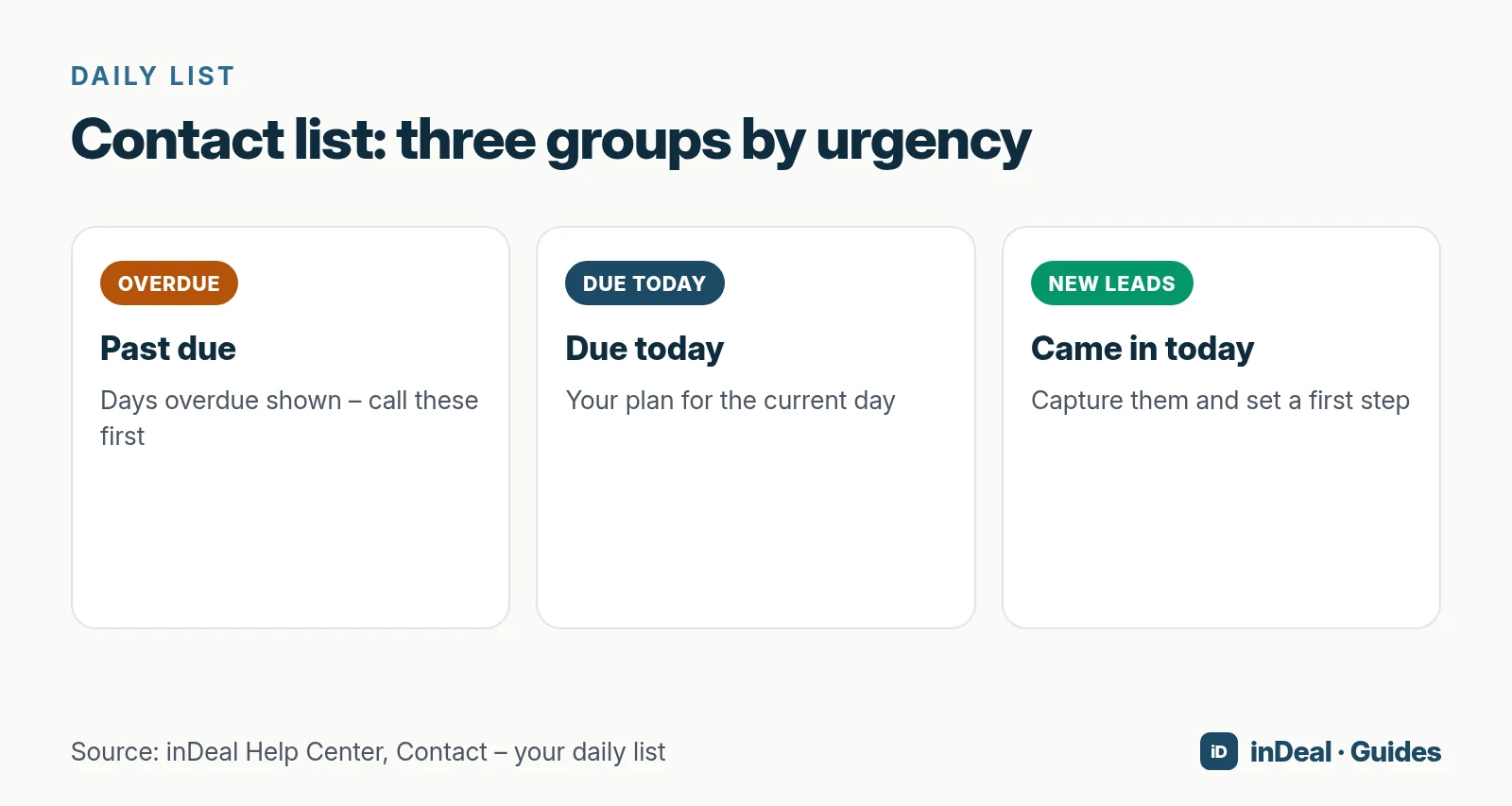
A lead appears in Overdue or Due today only if it is open (not yet a deal) and its follow-up date is due or past. Without a date it never appears — the most common reason for a short list with a full database.
It leaves the list only when you set a future date, convert it to a deal, or mark Lead lost. Merely opening or calling is not enough.
Email reminders
On the follow-up date you can set a time and an email reminder (Follow-up with reminder). The mail includes name, phone, email, next step, and a link to the lead or deal. The assignee receives it — otherwise the person who set the reminder.
Spreadsheet or CRM — which carries follow-ups better?
| Spreadsheet | CRM with next step | |
|---|---|---|
| Due dates | easy to miss | drive the daily list |
| Team | version and filter chaos | shared pipeline |
| Stage | free-text column | fixed stages + analytics |
| Reminder | separate calendar/mail | on the record |
| Start | fast | a bit of structure, then speed |
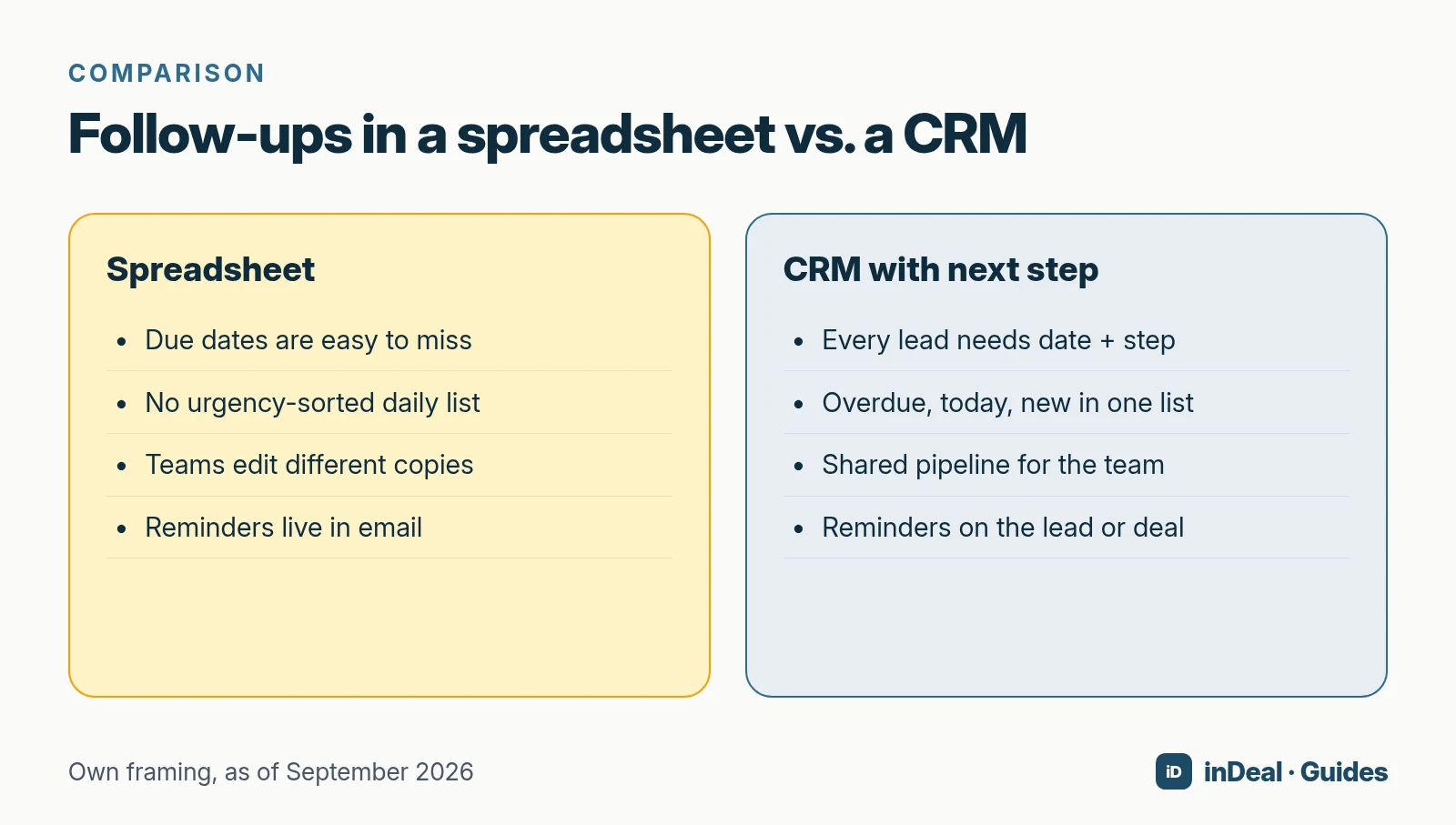
Sheets are fine for a solo start with few leads. Once two people sell in parallel or cycles run for weeks, the urgency list is missing. Migration is a CSV import; afterward every lead needs a follow-up date (Import leads).
More on spreadsheets: Managing Leads in Spreadsheets. For free CRM models: Free CRM for Small Business.
How do you build follow-up discipline in one week?
Day 1: Make stages binding. A 45-minute workshop: When does each stage change? Who may mark Lead lost?
Day 2: Find every open lead without a date. Either set date + next step or deliberately mark Lead lost with a reason.
Day 3: Make Contact your morning routine — before the inbox.
Day 4: Use reminders only for meetings and quotes, not every touch (alarm fatigue).
Day 5: Weekly review: Which overdue items are older than seven days? What blocks them (no buyer, no budget, internal timing)?
Roles in inDeal: Admin runs team and setup; Sales works assigned leads (Manage your team). Unlimited users cost €0 per user per indeal.ai — discipline is the bottleneck, not the license.
Which follow-up mistakes cost the most deals?
- “We’re fine” without a date.
- Cosmetic stages (“Meeting booked” without a meeting date) — Home metrics skew immediately.
- Follow-ups with no new substance (“just checking”) that train people to ignore you.
- Different lists per teammate — private notes and filter chaos instead of one pipeline.
- Never closing losses — zombie deals block attention; a loss reason is learning fuel.
What to do instead
- Write next steps as imperative + object: “Send tiered pricing quote,” not “clarify.”
- Cap parallel “hot” leads per person so Overdue does not become permanent.
- Use reminders sparingly; let the daily list do the rest.
- Review Overdue older than seven days weekly — in pairs, not alone.
How do follow-up and forecast connect?
Forecast quality equals the hygiene of open deals. In inDeal only Send quote and Order received feed open volume and forecast (Deal stages). Sloppy follow-up keeps deals artificially open — the forecast looks optimistic, the month disappoints.
On deals, next step often pairs with honest confidence and value once you reach Order received. Home also shows metrics and the Contact list (Understand Home). If Overdue grows while Closed Won stalls, you have a process problem — not a motivation problem.
Email, phone, and networks — a short channel map
| Channel | Strength | Follow-up note |
|---|---|---|
| auditable, async | Keep the thread on the lead; still set a next step | |
| Phone | fast clarity | Log the outcome or the call never happened |
| Business network | warm entry | Set a date after the message — platforms will not remind you reliably |
| Meeting / video | highest bandwidth | Confirm beforehand; write the next step afterward |
Legal note: cold outreach and platform rules differ by channel. This is not legal advice; review local marketing law and platform terms before high-volume outbound.
Example: one lead from Monday to Friday
- Monday: Captured via Chrome extension, stage Qualify, next step “10-minute fit check,” date today.
- Tuesday: Short call, stage Book meeting, next step “email two time slots,” date Wednesday.
- Wednesday: Meeting locked, stage Meeting booked, meeting date Friday 10:00, reminder Thursday 15:00.
- Friday: Meeting held, stage Meeting held, deal Send quote with value, next step “quote by Tuesday,” new date.
At every step there is exactly one current date. The Contact list stays short and honest.
When does AI help with follow-up — and when not?
AI can draft messages, summarize timelines, or ask via MCP: “Which deals have no next step?” (AI CRM guide). It does not replace deciding to log a loss reason or rebook a meeting.
Use AI only after stages and dates are clean. Otherwise you automate chaos.
Which follow-up process fits you?
- Solo, few leads, short cycles: Strict daily list + reminders on quotes often suffice.
- Team of 3+: Shared stages, owner per lead, Monday Overdue review.
- Long enterprise cycle: Lower frequency, stakeholder maps, substantive next steps.
- Heavy inbound: Define a first-response SLA; never leave new leads without a date.
If you want a system that enforces next step and date, sorts the day, and stays free per seat, inDeal fits.
A free CRM for your whole team. Start inDeal in 2 minutes. Just an email address, no credit card, unlimited users.
Start freeFurther reading
- AI CRM for Small Business: What It Can Do in 2026
- Free CRM for Small Business (2026)
- Managing Leads in Spreadsheets
- Lead Management for Small Business
- Connect Your CRM to ChatGPT or Claude
Frequently asked questions
How often should you follow up in sales?
What is a next step in a CRM?
Why do leads disappear from my to-do list?
Can a spreadsheet handle follow-ups?
Which lead stages does inDeal use?
Can I get email reminders for follow-ups?
What happens after a meeting is held?
Is inDeal the same as indeal.io?
Sources
- E-business integration (Statistics Explained)
- Larger enterprises used more e-business apps in 2025
- SME definition
- inDeal homepage, pricing, and FAQ
- Set stages correctly
- Deal stages from quote to close
- Edit a deal
- Follow-up with reminder
- Contact — your daily list
- Understand Home
- Create, import, and enrich leads
- Manage your team
- AI CRM for Small Business (Guide)
- Free CRM for Small Business (Guide)
Keep reading
 AI CRM
AI CRM for Small Business: What It Can Do in 2026
AI CRM for small business in 2026: which AI features matter, what's free, how privacy and the EU AI Act apply, and where inDeal fits with ICP and MCP.
 Free CRM
Free CRM for Small Business (2026): Which One Fits Your Team?
Looking for a free CRM for your small business? The 5 free CRM models, what to check on users, contacts, GDPR and AI, and when inDeal is the right fit.