Contents
- What does a CRM for agencies need to do?
- How many agencies actually use a CRM?
- Which 9 criteria matter when choosing an agency CRM?
- What should an agency sales pipeline look like?
- How do you track retainers and renewals in a CRM?
- Who should see what – roles for agency teams?
- What about GDPR when you handle data for clients?
- What is different for lead-gen and outreach agencies?
- Which pricing model fits a small agency?
- Which mistakes do agencies make when rolling out a CRM?
- How do you get started in five working days?
- Which CRM setup fits your agency?
- Keep reading
- Frequently asked questions
- Sources
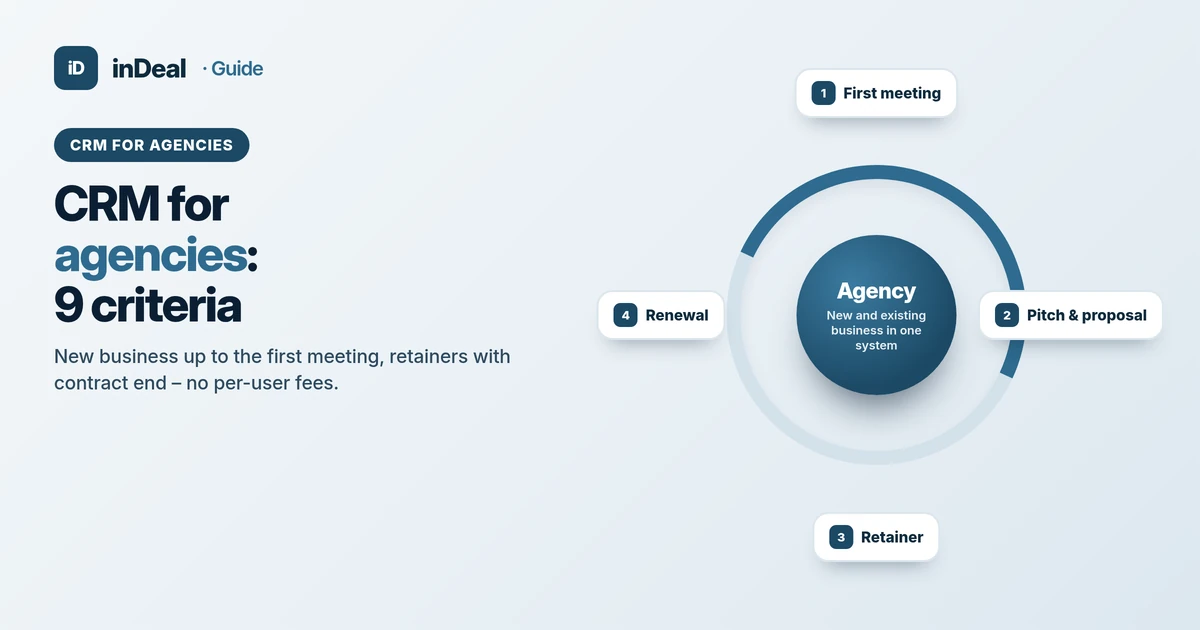
A CRM for agencies has two jobs: turn contacts into a steady flow of first meetings for new business, and keep running clients visible with contract end dates and follow-on work. For small agencies that means a ready-made pipeline up to the meeting, companies with several stakeholders, retainer dates and no per-seat fees. inDeal (indeal.ai) is a free AI CRM for small businesses operated by Lars Krüger GmbH, Berlin. Not to be confused with indeal.io, a different company.
As of October 19, 2026. Market: Eurostat CRM use by industry 2025 (isoc_eb_iipn2) and enterprise size classes 2023 (sbs_sc_ovw), retrieved from the Eurostat database; product: success.indeal.ai and indeal.ai.
What does a CRM for agencies need to do?
An agency CRM has to run new business and existing clients in one place, without the team needing training. Everything else – time tracking, resource planning, invoicing – belongs in your project tool.
The real pain in small agencies is not missing software, it is the feast-or-famine cycle. While everyone is busy delivering, prospecting stops. When a big retainer ends, the calendar is suddenly empty. A good CRM closes exactly that gap: every morning it shows who is due, and it flags in time which contract is about to run out.
Your clients do not want a pitch marathon either – they want results. So the CRM is not the goal. It is the machine that puts first meetings and renewals on your calendar.
How many agencies actually use a CRM?
Fewer than you might think – and most agencies are too small to show up in the statistics at all. According to Eurostat, these shares of EU enterprises with 10+ employees used CRM software in 2025:
| Industry (NACE) | CRM use 2025 |
|---|---|
| IT services: programming, IT consulting (J62–J63) | 66.45% |
| Advertising, market research, other professional services, veterinary (M73–M75) | 45.27% |
| Professional, scientific and technical activities overall (M) | 36.25% |
| Legal, accounting, management consulting, architecture (M69–M71) | 33.77% |
| All industries (excluding financial sector) | 28.51% |
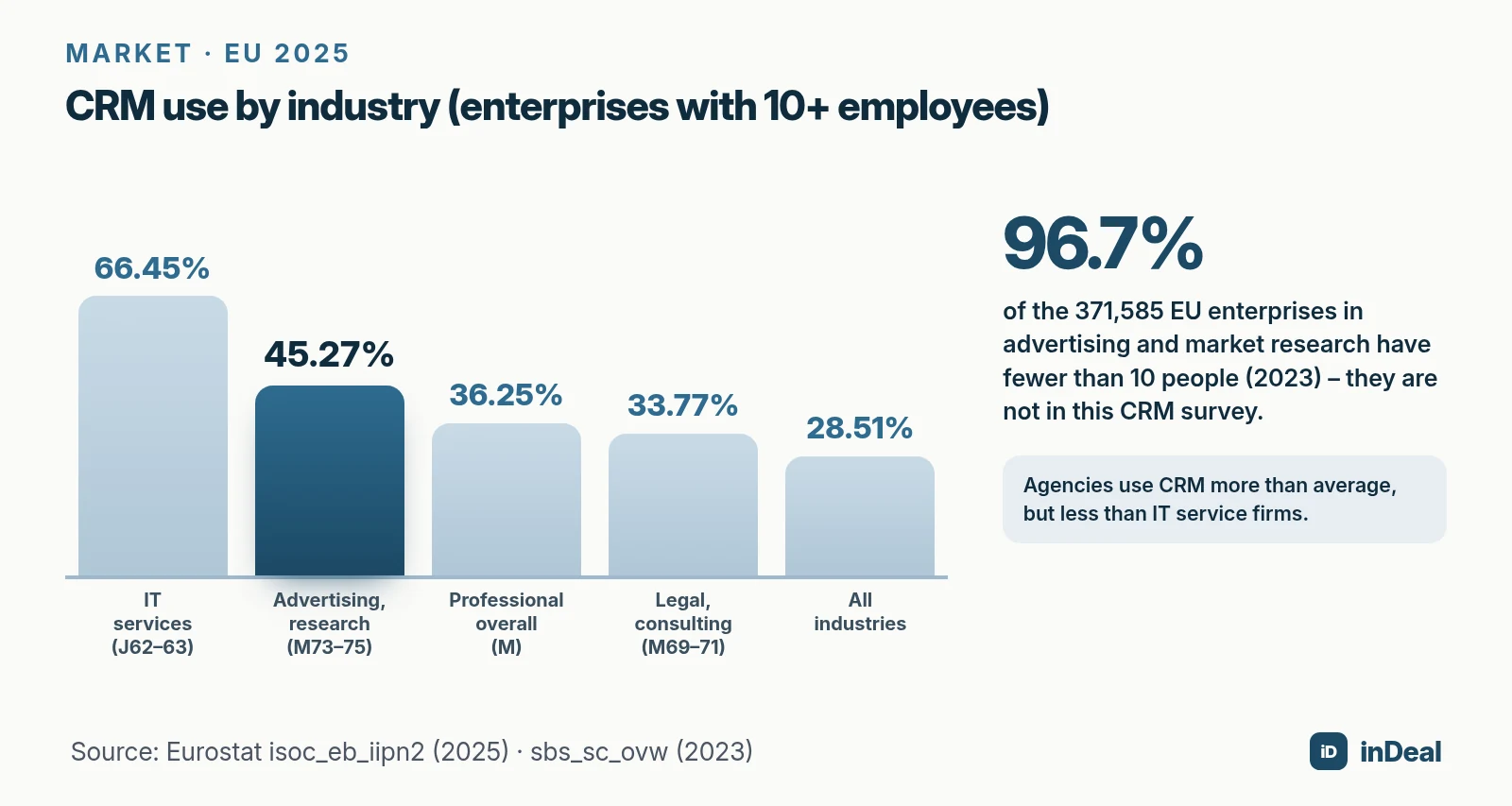
Then there is size. In 2023 the EU had 371,585 enterprises in advertising and market research (NACE M73), and 96.7% of them had fewer than 10 people, according to Eurostat business statistics. In Germany the share was 89.8% of 29,844 firms, averaging 7 people each.
So the CRM figures above only cover the larger agencies. Among the many small ones the gap is likely wider – but that is not measured, because Eurostat does not survey firms under 10 employees here. Across all industries, 99% of EU enterprises are micro or small businesses (Eurostat 2024). In the U.S., the SBA sets small business size standards by industry (SBA size standards).
Which 9 criteria matter when choosing an agency CRM?
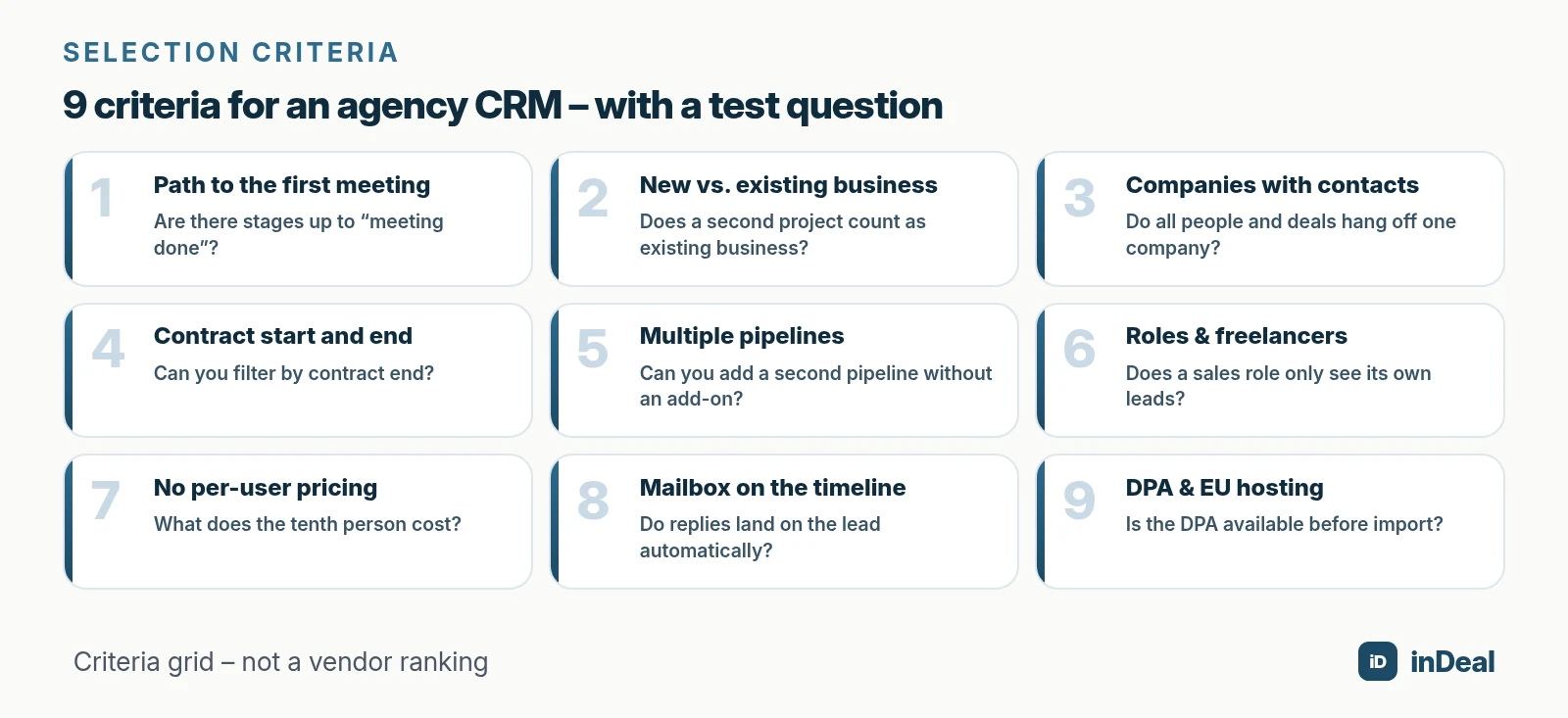
These nine criteria separate a CRM your agency still uses after three months from one that turns into a data graveyard:
| # | Criterion | Why it matters for agencies | Trial test question |
|---|---|---|---|
| 1 | Path to the first meeting | New business starts with meetings, not proposals | Are there stages up to “meeting done”? |
| 2 | New vs. existing business | Follow-on work is often the biggest revenue lever | Does a second project count as existing business automatically? |
| 3 | Companies with several contacts | Marketing lead, specialist and procurement all weigh in | Do all people and deals hang off one company? |
| 4 | Contract start and end | Retainers lapse when nobody watches | Can you filter by contract end? |
| 5 | Multiple pipelines at no extra cost | Pitch, project, partner, referral | Can you add a second pipeline without an add-on? |
| 6 | Roles for team and freelancers | Not everyone should see everything | Does a sales role only see its own leads? |
| 7 | No per-user pricing | Teams grow and shrink with workload | What does the tenth person cost? |
| 8 | Your own mailbox on the timeline | Client communication runs on email | Do replies land on the lead automatically? |
| 9 | DPA and EU hosting | You process personal data, often for clients | Is the DPA available before import? |
What should an agency sales pipeline look like?
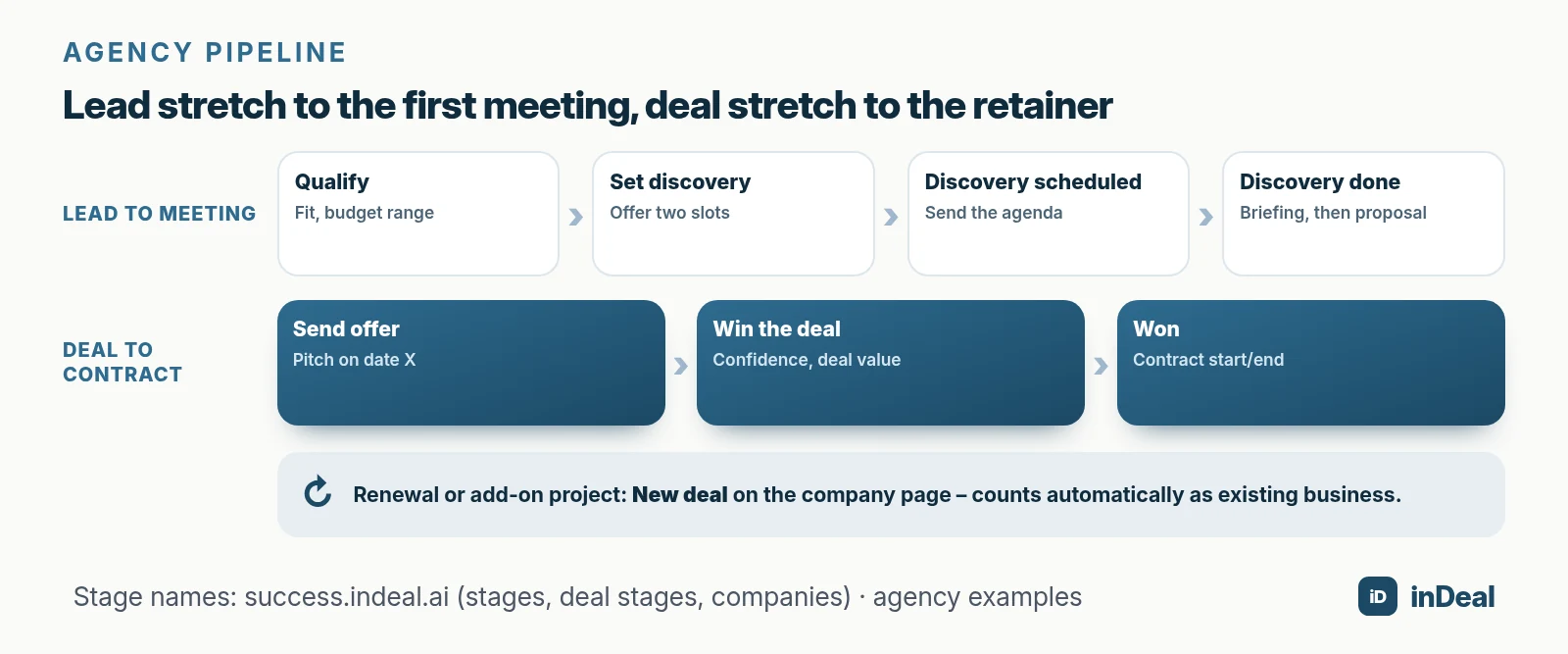
An agency pipeline has two parts: the lead stretch up to the first meeting, and the deal stretch from proposal to signed contract. Briefing and pitch are not separate stages – they are the next step with a date.
In inDeal it works like this: a lead moves through Qualify, Set discovery, Discovery scheduled and Discovery done. Then Create offer turns it into a deal, which moves through Send offer and Win the deal to Won or Lost (deal stages). When you move a deal to Win the deal, inDeal asks for follow-up date, confidence, next step, deal value and the Offer sent date.
A simple mapping that works for agencies:
| Agency situation | Stage | Next step (example) |
|---|---|---|
| Referral or inquiry comes in | Qualify | Check fit, clarify budget range |
| Interest confirmed | Set discovery | Offer two slots |
| First meeting booked | Discovery scheduled | Send the agenda |
| First meeting went well | Discovery done | Briefing call, then proposal |
| Pitch or proposal in progress | Send offer | Presentation on date X |
| Proposal is with the client | Win the deal | Call back the decision-maker |
| Retainer signed | Won | Enter contract start and end |
If you win new business through different routes – direct and via partners – a dropdown field called “Pipeline” plus one saved view per route is enough in inDeal (examples: filters and views). The stages stay the same; the Kanban views show separate deals. More on stages and exit criteria in sales pipeline stages.
How do you track retainers and renewals in a CRM?
Retainers rarely end with a bang – they end quietly. The contract runs out and nobody scheduled the renewal conversation. So your CRM needs to know the contract end and trigger a step in time.
In inDeal, moving a deal to Won asks for Contract start and Contract end. If the contract end is in the past and no other contract is running, the company automatically becomes a Lost customer. Every company has one of four types – Customer, Prospect, Lost customer, Lost prospect – and the list shows the next contract end (companies).
A practical team rule:
- Enter the contract end as soon as you win.
- Set a follow-up on the deal well ahead of the end date, for example 60 days before.
- Create the renewal or add-on project with New deal on the company page.
A deal with a company that is or was a customer counts automatically as Existing business. Home shows new customers and existing business separately – so you see whether your agency grows through new logos or by expanding current clients.
Who should see what – roles for agency teams?
Agencies work with staff and freelancers. The CRM needs a few clear roles, not a complex permission model.
inDeal has two roles (managing the team):
- Admin: full access, import, mass updates, setup and team.
- Sales: sees and edits only their own leads; no import, no deleting, no mass updates.
When a freelancer's contract ends, deactivate them first: their leads stay assigned to them and you can reassign them deliberately. Remove them only after that. The history is kept either way.
Because inDeal has no per-seat license according to indeal.ai, adding a project lead for two weeks costs nothing. How pricing without user licenses works is covered in CRM without per-user pricing.
What about GDPR when you handle data for clients?
For your own new-business leads, you are the controller under the GDPR. If you run leads or campaigns on behalf of a client, you often process data on their instructions – then you typically need an agreement under Art. 28 GDPR. The GDPR applies whenever you process data of people in the EU, wherever your agency is based.
In practice: for each client, clarify who is the controller, which tools join as subprocessors, and where the data is stored. According to its FAQ, inDeal hosts data on EU servers (Frankfurt), with tenant separation and a DPA included. The full checklist is in GDPR-compliant CRM.
What is different for lead-gen and outreach agencies?
If you book meetings for clients, what you really sell is a number: meetings that happened. Your CRM must show where a lead came from, who booked the meeting and whether it took place.
inDeal offers an agency-managed setup for this: under Integrations, the agency can manage the PROSP (LinkedIn campaigns) and PlusVibe (email campaigns) connections for a client's account. Campaigns and leads then appear automatically, and replies come in via webhook, get classified and trigger workflows (integrations overview). The client sees “Managed by your agency” and has nothing to set up.
In the meeting dialog, the Meeting booked by field records who booked it. Together with the show rate on Home, that gives you an honest performance measure – how to read it is in meeting show rate.
Which pricing model fits a small agency?
For small agencies the list price matters less than what happens when the team grows or freelancers join. The common models at a glance, without rating any vendor:
| Model | Typical logic | Risk for agencies |
|---|---|---|
| Free plan with limits | Free up to a user or contact cap | Pressure to upgrade or switch as the team grows |
| Per-user pricing | Monthly fee per person | Freelancers and project staff get expensive |
| Agency suite with time tracking | CRM plus projects, hours, invoices | Heavy setup, sales is just one module |
| CRM without per-user licenses | Core is free, costs only for add-ons | Check exactly what you pay for |
With inDeal, account, pipeline and mail integration cost €0 for unlimited users, including 10 credits for enrichment. You need credits for contact data found (email 1, mobile 5, landline 0.5) and for capturing leads with the Chrome lead plugin (indeal.ai). What free plans can limit elsewhere is covered in free CRM limits.
Which mistakes do agencies make when rolling out a CRM?
Most agency CRMs fail because of habits, not features. These five patterns cost the most:
| Mistake | Effect | Better |
|---|---|---|
| Using the CRM as a project tool | Bloated, nobody maintains it | Sales in the CRM, delivery in the project tool |
| Logging proposals only, not first meetings | Pipeline looks empty until it is too late | Track every contact as a lead from day one |
| Skipping the contract end | Retainer lapses silently | Make it a team rule when you win |
| One shared login | No ownership, no data protection | Personal logins, roles |
| No dated next step | Contacts vanish from the daily list | Every lead has a follow-up and next step |
The last one decides your new business. How to make the next step a habit is covered in sales follow-up.
How do you get started in five working days?
A small agency does not need a rollout project. Five short steps get new business and existing clients into the CRM:
- Day 1: Invite the team, assign roles (Admin for leadership, Sales for everyone else), review the DPA.
- Day 2: Import open new-business contacts via CSV; each gets a stage, follow-up date and next step.
- Day 3: Capture running clients: add them as leads, set them to Discovery done, turn them into deals with Create offer and set them to Won – with contract start and end. The company record is created automatically.
- Day 4: Connect your mailbox so replies land on the lead – see free CRM for Outlook.
- Day 5: Save a view called “My overdue follow-ups” and start every day with it from Monday.
After two weeks, take your first look at Home: how many meetings were booked, how many actually happened, which contracts end in the next 90 days?
Which CRM setup fits your agency?
Decide by situation, not by feature lists:
| Situation | Recommendation |
|---|---|
| 2–5 people, new business through referrals | Lean CRM with a ready pipeline, no agency-suite project |
| Several retainer clients | Maintain contract end, follow-up well ahead |
| Many freelancers | CRM without per-user pricing, Sales role for externals |
| Lead-gen agency with client accounts | Managed integrations, measure show rate per setter |
| Missing time tracking and invoicing | Separate project tool, keep the CRM lean |
A CRM for agencies is good when you barely notice it: every morning you see who is due, and you learn in time which contract is ending. Everything beyond that is a bonus. For the general comparison, see free CRM for small business.
A free CRM for your whole team. Start inDeal in 2 minutes. Just an email address, no credit card to sign up, unlimited users.
Start freeKeep reading
- AI CRM for small business: what an AI CRM really does in 2026
- Free CRM for small business 2026: which free CRM fits you?
- CRM without per-user pricing explained
- Sales pipeline stages
- Meeting show rate 2026: how to measure and reduce no-shows
Frequently asked questions
What is the best CRM for a small agency?
Do agencies need a dedicated agency CRM?
Is there a free CRM for marketing agencies?
How do you track retainers in a CRM?
How do you separate new clients from existing business?
Can I add freelancers without paying for seats?
Is my agency a data processor when it handles leads for clients?
Is inDeal the same as indeal.io?
Sources
- Integration of internal processes by NACE Rev. 2 activity (isoc_eb_iipn2), 2025
- Enterprise statistics by size class and NACE Rev. 2 activity (sbs_sc_ovw), 2023
- E-business integration
- Micro & small businesses make up 99% of enterprises in the EU
- Table of size standards
- Regulation (EU) 2016/679 (General Data Protection Regulation)
- Companies (accounts)
- Examples: filters and views
- Managing the team
- Integrations overview
- Deal stages from offer to close
- inDeal homepage, pricing and FAQ
inDeal is the AI CRM for small and mid-sized B2B companies.
Keep reading
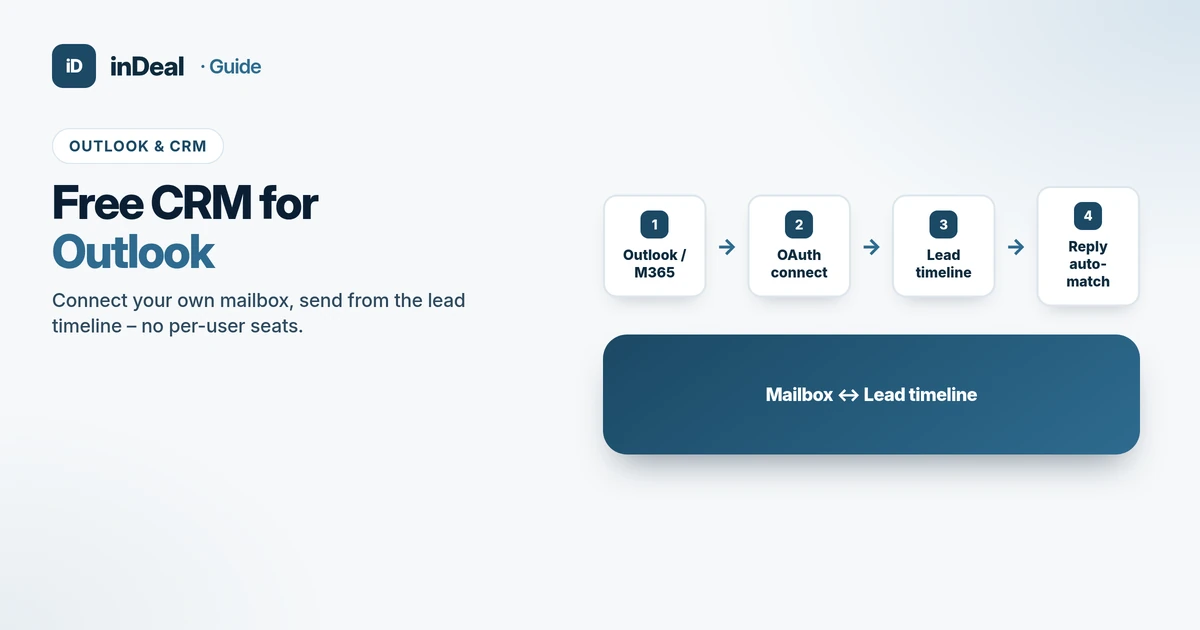 Comparisons
Free CRM for Outlook 2026: Mailbox & Timeline
Free CRM for Outlook: connect your own mailbox, send from the lead timeline, match replies automatically – a criteria checklist without per-user seats.
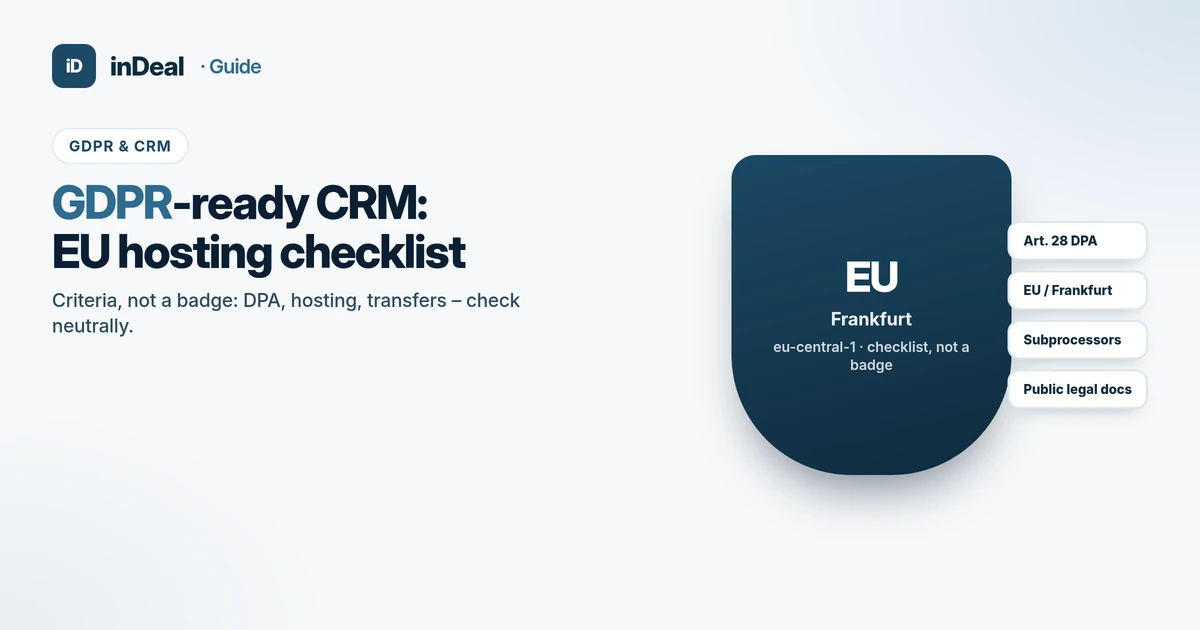 Comparisons
GDPR-Compliant CRM 2026: EU Hosting Checklist
GDPR-compliant CRM checklist: Art. 28 DPA, EU/Frankfurt hosting, subprocessors and transfers – criteria for small businesses, no compliance superlatives.
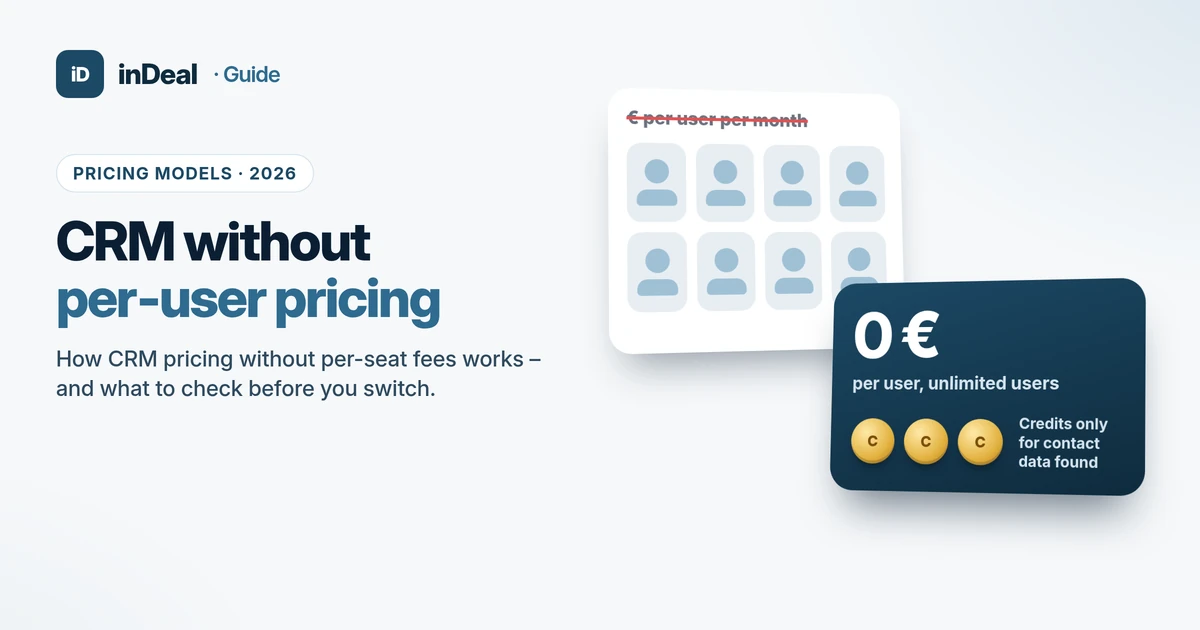 Comparisons
CRM Without Per-User Pricing: How It Works in 2026
CRM without per-user pricing explained: four CRM pricing models, a worked cost example and six questions to ask before you switch your small business.