Contents
- Video guide
- What is lead enrichment?
- What data can you enrich in inDeal?
- How does enrichment work in inDeal, step by step?
- How much does lead enrichment cost in inDeal?
- What is free, and what needs credits?
- When does enrichment pay off, and when does it not?
- Is lead enrichment GDPR compliant?
- Can you email enriched contacts right away?
- How do you prepare imports for enrichment?
- What mistakes do teams make most often with enrichment?
- What does a sensible enrichment workflow look like?
- Which enrichment approach fits you?
- Keep reading
- Frequently asked questions
- Sources
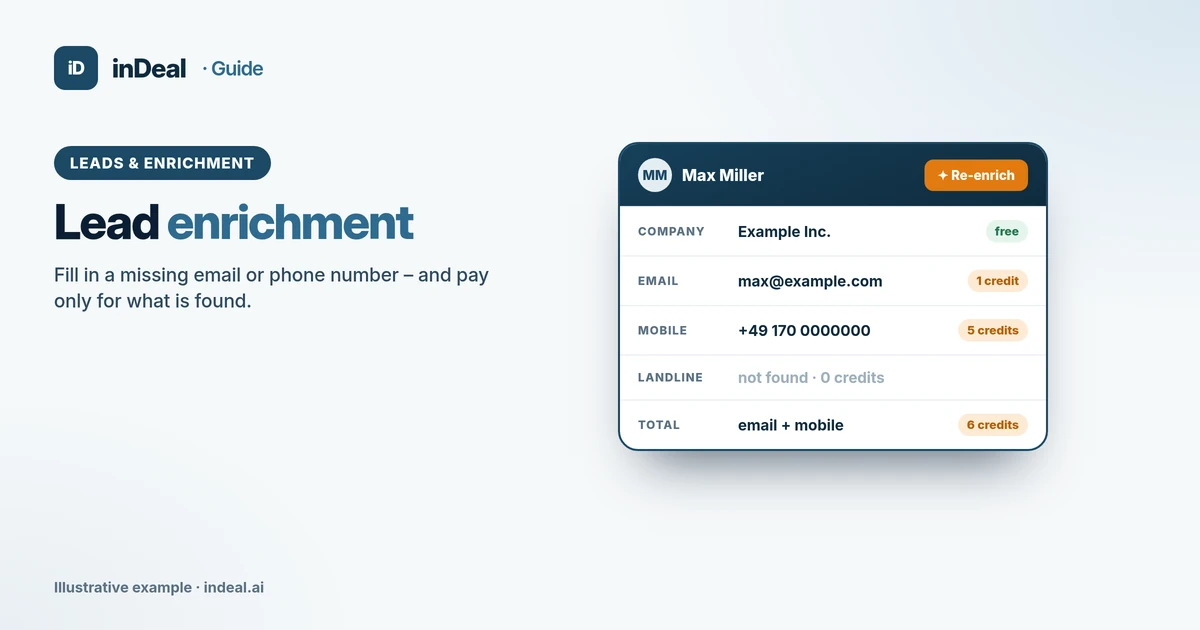
Lead enrichment (data enrichment) means adding missing data to an existing lead, such as an email address, phone number or company details, so you can reach and size up that lead. It replaces neither qualification nor permission to contact. inDeal (indeal.ai) is a free AI CRM for small businesses by Lars Krüger GmbH in Berlin, and it charges credits only for contact details it actually finds. Not to be confused with indeal.io, a different company.
Video guide

Playing the video connects to YouTube.
As of November 9, 2026. Legal: GDPR (EUR-Lex), EDPB Guidelines 1/2024, German UWG § 7, FTC and ICO for the U.S. and UK; product: success.indeal.ai and indeal.ai. Not legal advice.
What is lead enrichment?
Lead enrichment adds information you did not collect yourself to a lead. You start with a name, a profile or a company and get the fields you need to make contact.
Typical additions are the business email address, mobile and landline numbers, job title and company data such as industry or size. The benefit is practical: a lead without a way to reach it stays a note, and only with an email or phone number can you follow up.
The distinction matters. Enrichment answers “How do I reach this person?”, not “Should I contact them at all?”. That is what the ICP is for, covered in How to create an ideal customer profile. And whether you may contact them is governed by GDPR and marketing rules.
What data can you enrich in inDeal?
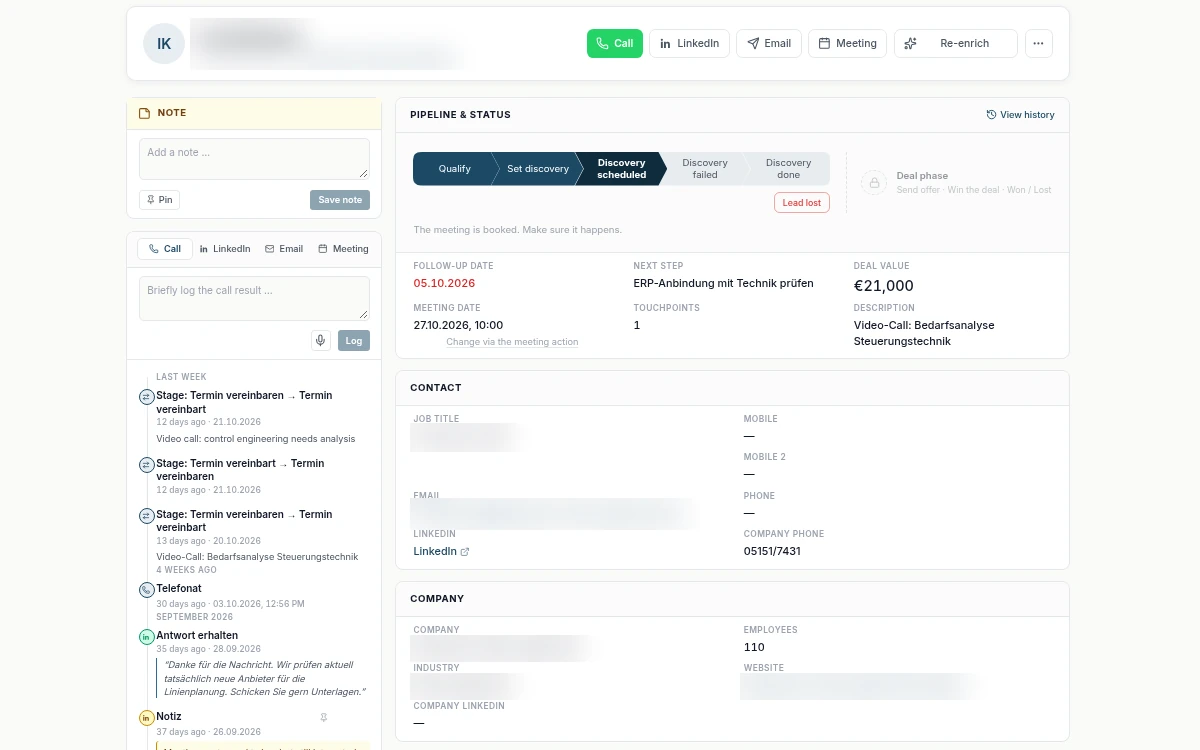
inDeal adds email address, mobile number, landline number and company data. Enrichment does not fill the Mobile 2 field; you add a second mobile number yourself via import or the API. For the search, inDeal uses publicly available contact details. Checked details are marked verified (Help Center).
| Data type | What you need it for | Price in credits |
|---|---|---|
| Email address | First contact and follow-ups by email | 1 |
| Mobile number | Calls, a quick callback | 5 |
| Landline number | Switchboard or direct dial | 0.5 |
| Company data | Industry, size, address for filters and your ICP | free |
Direct dial and switchboard together count as one landline number. If a field is already filled, inDeal does not overwrite it, and it costs nothing. For leads that were enriched before, the button reads Re-enrich; after a failed attempt, Retry enrichment.
How does enrichment work in inDeal, step by step?
You click Enrich data in the lead header. The button changes to Enriching data …. If it takes longer, you see Extending search across additional providers ….
Afterwards the values found sit in the fields. Hover over the button to see when the lead was last enriched. Some leads are enriched automatically as they arrive; a note then appears at the top, and the page refreshes itself.
Check the values before you use them. A found email address is a suggestion, not proof that the person still works there. That is also a legal point: GDPR Art. 5(1)(d) requires data to be accurate and kept up to date (EUR-Lex).
How much does lead enrichment cost in inDeal?
Only what is found and newly written. An unsuccessful search uses nothing, the number of data sources queried makes no difference, and the price depends on the field found (Help Center).
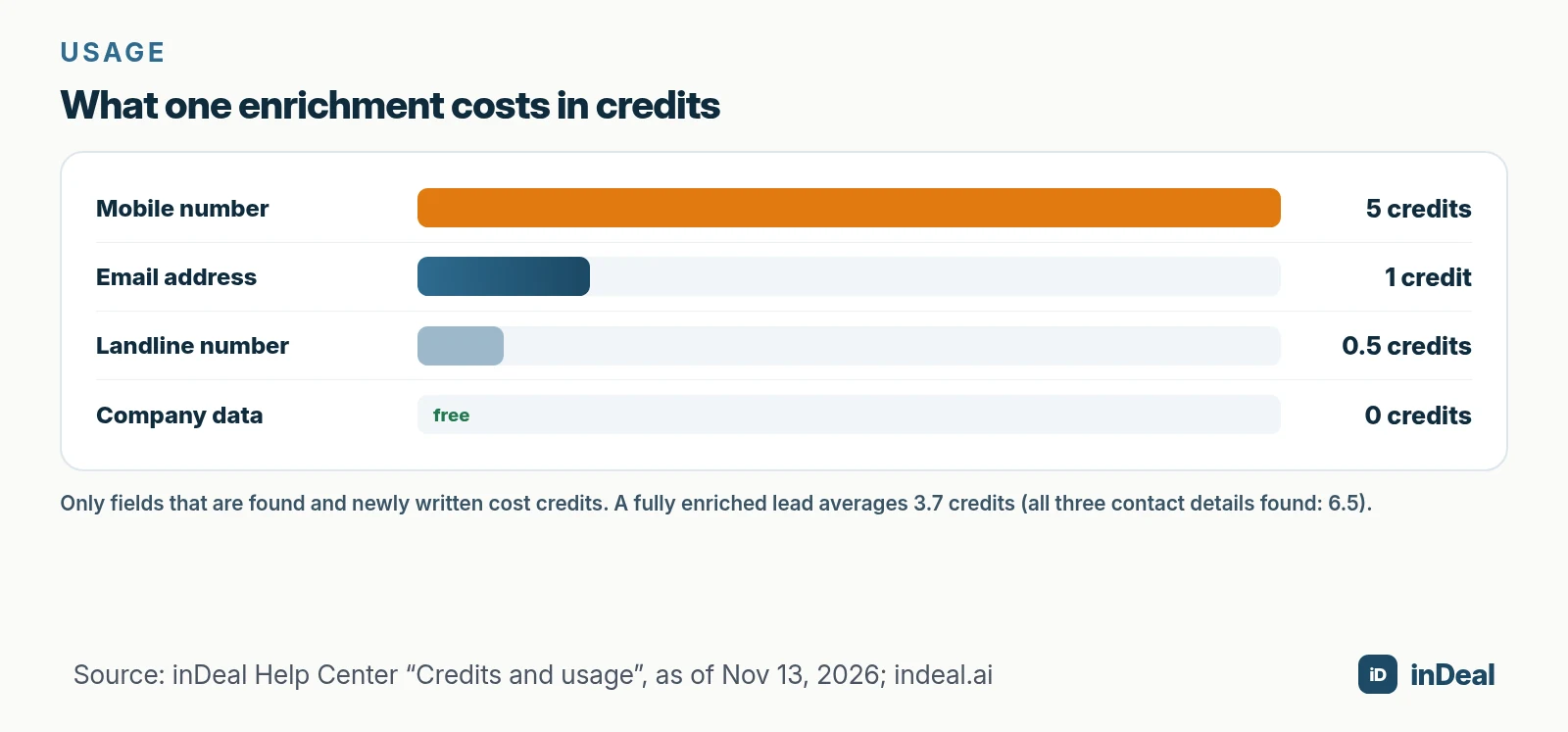
If all three contact details are found, that is 6.5 credits. Not every lead has a mobile number, though: a fully enriched lead costs 3.7 credits on average, according to indeal.ai. If you only need the email address, you pay at most 1 credit per lead.
A fictional calculation shows the mechanism. Your team enriches 40 leads that fit the ICP:
| Step | Assumption | Credits |
|---|---|---|
| Email searched | Found for 30 of 40 leads | 30 × 1 = 30 |
| Mobile searched | Only for the 10 most important leads, 6 found | 6 × 5 = 30 |
| Company data | Always, where found | 0 |
| Total | 60 |
The euro price per credit is in the Help Center and in your plan. We deliberately do not list it here because it can change.
What is free, and what needs credits?
According to indeal.ai, the CRM, all users, capturing leads by hand and by CSV, your first enriched lead and 10 credits for data enrichment are free (indeal.ai). There is no per-seat license.
You need credits for data enrichment and for capturing through the Chrome lead plugin; only contact details actually found are charged. How the balance works:
- Monthly allowance: used first and topped up at the start of each month. What is left carries over, but the pot holds at most twice your allowance.
- Purchased credit: used only once the allowance is empty, and it never expires.
- History: under Plans & Billing you see every booking with category, amount and lead.
If you are looking for a free CRM for small businesses, ask exactly this: what does enrichment cost, and is it charged only on success? The full cost picture is in CRM cost for small businesses.
When does enrichment pay off, and when does it not?
Enrich deliberately, not in stock. The Help Center names three habits that save credit: enrich deliberately instead of in bulk, check what is already there, and do not enrich twice.
In practice:
- Does the lead fit your ICP? If not, save the credit. A lead you will not call does not need a phone number.
- What is already there? For many campaign leads, address and job title are already filled.
- Which field do you need first? If you start by email, you only need the email address (1 credit).
- Was the lead enriched before? According to the Help Center, a second run rarely finds anything new; whatever it finds on top costs again.
Is lead enrichment GDPR compliant?
It depends on legal basis, purpose and execution; enrichment is not a free pass. As soon as you process data about a specific person, such as name, business email or phone number, GDPR applies in B2B too, if that person is in the EU (EUR-Lex).
Know these points:
- Legal basis (Art. 6): Legitimate interest under Art. 6(1)(f) is the usual candidate. The EDPB describes three cumulative conditions: a legitimate interest, necessity of the processing and a balancing against the person's interests (EDPB, Guidelines 1/2024). Document that balancing test.
- Information (Art. 14): If you did not collect the data from the person, you must inform them, at the latest with your first message if you contact them (Art. 14(3)(b)).
- Objection (Art. 21): The person can object to direct marketing at any time without giving a reason. Add them to the blacklist afterwards so no import recreates them.
- Minimization and accuracy (Art. 5): Enrich only what you need for the purpose and keep it current.
- Processors (Art. 28): If you use a service provider, you generally need a data processing agreement. In inDeal you find the DPA under Legal.
Information duties and handling objections in detail are covered in B2B cold outreach and GDPR.
Can you email enriched contacts right away?
Not automatically. Enriching is data processing, contacting is marketing. You check them separately.
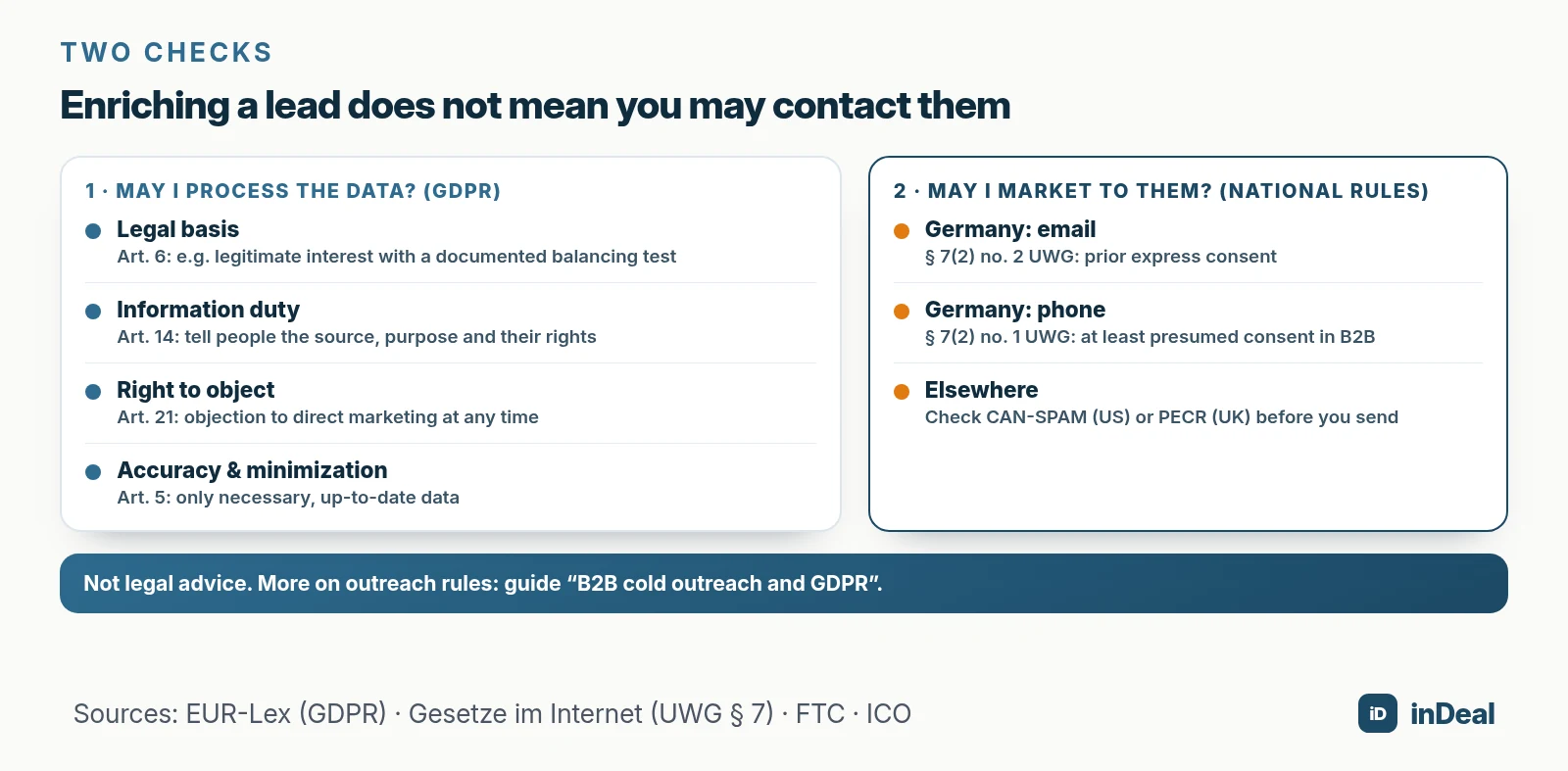
| Channel | Standard | What it means for enriched data |
|---|---|---|
| Email, Germany | § 7(2) no. 2 UWG: prior express consent as a rule; exception for existing customers under narrow conditions (§ 7(3)) | A found address does not allow a marketing email |
| Phone, Germany | § 7(2) no. 1 UWG: at least presumed consent toward other market participants | A found number does not allow a cold call without a reason |
| Email, U.S. | CAN-SPAM Act (FTC) | Check its requirements before you send |
| Email, UK | PECR (ICO) | Check the B2B rules before you send |
The German rules are in the statute (§ 7 UWG). A practical overview, including case law, is in B2B cold outreach and GDPR.
How do you prepare imports for enrichment?
If you import from a spreadsheet, you often bring gaps. The CSV import recognizes existing leads by email or LinkedIn URL; with Fill empty fields it fills only empty fields and overwrites nothing (Help Center).
Before enriching, work in this order:
- Clean the file. One row per person, clearly named columns for email and LinkedIn URL.
- Remove duplicates first. Otherwise you pay to enrich the same person twice. How to do that is in CRM duplicate contacts.
- Load the blacklist. Competitors and opt-outs belong before the import.
- Import and read the error report. It shows conflicts and skipped rows with the reason.
- Mind cold leads. Imported leads have no follow-up date and only appear in Open leads once you set one or a reply arrives.
- Then enrich selectively. First the leads that fit your ICP and that you contact this week.
Eurostat counts only 24.69% of small EU enterprises as CRM users (Eurostat). Accordingly, a lot of existing contact data sits in spreadsheets with gaps in email and phone columns. Enrichment fills such gaps, but it does not clean up wrong entries.
What mistakes do teams make most often with enrichment?
Most mistakes cost credit or trust. All can be avoided with a short process.
| Mistake | Consequence | Better |
|---|---|---|
| Enrich everything in stock | Credits for leads that never get worked | In waves, ICP matches only |
| Mobile number for every lead | 5 credits with no calling plan | Email first, mobile only when you will call |
| Enrich twice | Rarely new data, credits gone | Re-enrich only with a reason |
| Use results unchecked | Wrong address, bounce, complaint | Spot-check, mind the verified flag |
| Enriched = allowed to contact | Marketing-law violation | Two separate checks |
| Objection not in the CRM | Contact returns through an import | Maintain the blacklist |
The most expensive mistake is the fourth, because it is not on the invoice: a wrong address costs you response time and reputation.
What does a sensible enrichment workflow look like?
A good workflow is short and repeatable. It fits on half a page and applies to the whole team.
- Check the ICP. Does the company match the defined industries, sizes and regions?
- Look at what exists. Which fields are already filled?
- Choose the target field. Email first, mobile only when needed.
- Enrich. Click Enrich data and check the result.
- Meet the information duty. In the first message, state source, purpose and rights.
- Set a follow-up. Without a date the lead stays cold. How, see Lead management for small businesses.
A free CRM for your whole team. Start inDeal in 2 minutes. Just an email address, no credit card to sign up, unlimited users.
Start freeWhich enrichment approach fits you?
If you have few leads and plenty of conversation time, the email address almost always suffices. If you phone, enrich the mobile number only for the leads you will really call this week.
Stick to three rules: ICP first, then enrichment, then outreach. That includes a documented legitimate interest, the Art. 14 information and a maintained blacklist. The whole path from lead to close is in The perfect CRM sales process. An AI CRM for small businesses can take work off your plate. The responsibility for whom you contact stays with you.
Keep reading
- How to create an ideal customer profile
- B2B cold outreach and GDPR
- CRM duplicate contacts
- Lead management for small businesses
- CRM cost for small businesses
Frequently asked questions
What is lead enrichment?
How much does lead enrichment cost in inDeal?
Is lead enrichment GDPR compliant?
Can I email enriched contacts right away?
What data can I enrich in inDeal?
When should I not enrich a lead?
What happens when my credit runs out?
Is inDeal the same as indeal.io?
Sources
- Regulation (EU) 2016/679 (General Data Protection Regulation), Art. 5, 6, 14, 21 and 28
- Guidelines 1/2024 on processing of personal data based on Article 6(1)(f) GDPR (Version 1.0)
- § 7 UWG – Unzumutbare Belästigungen (German Act against Unfair Competition)
- CAN-SPAM Act: A Compliance Guide for Business
- Business-to-business marketing (PECR)
- E-business integration
- Creating, importing and enriching leads
- Credits and usage
- inDeal – free AI CRM for small businesses: home page, pricing and FAQ
- B2B cold outreach and GDPR in 2026
- CRM duplicate contacts 2026
inDeal is the AI CRM for small and mid-sized B2B companies.
Keep reading
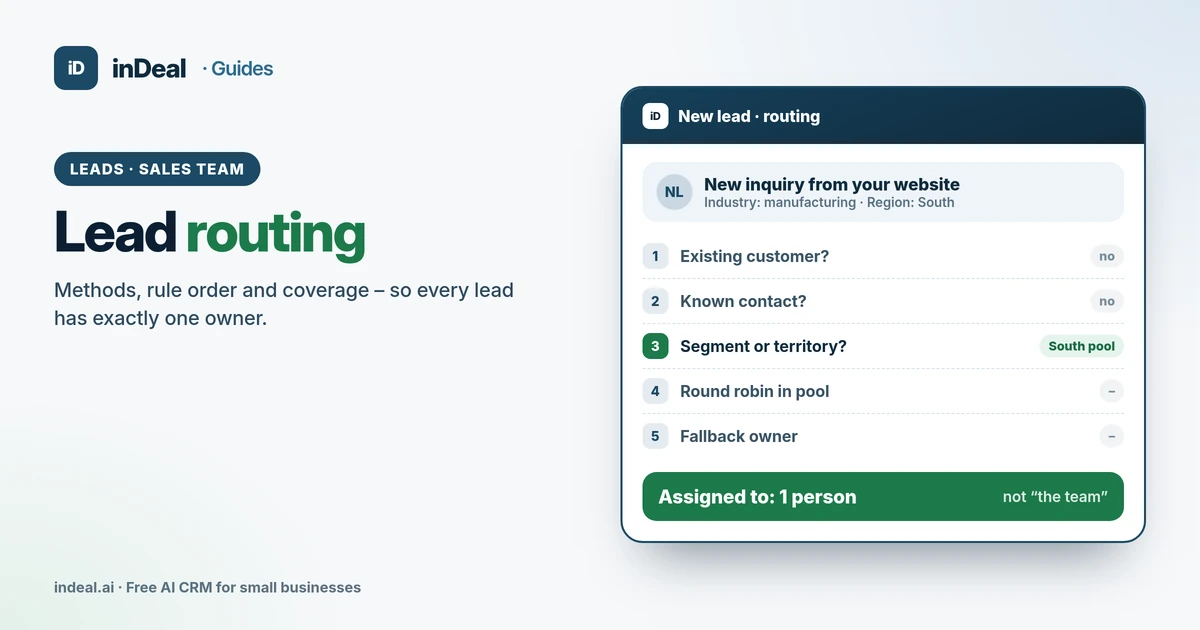 Leads and enrichment
Lead Routing for Small Businesses: How to Assign Leads (2026)
Lead routing for small sales teams: assignment methods from round robin to territories, the right rule order, time off and access – with a free AI CRM.
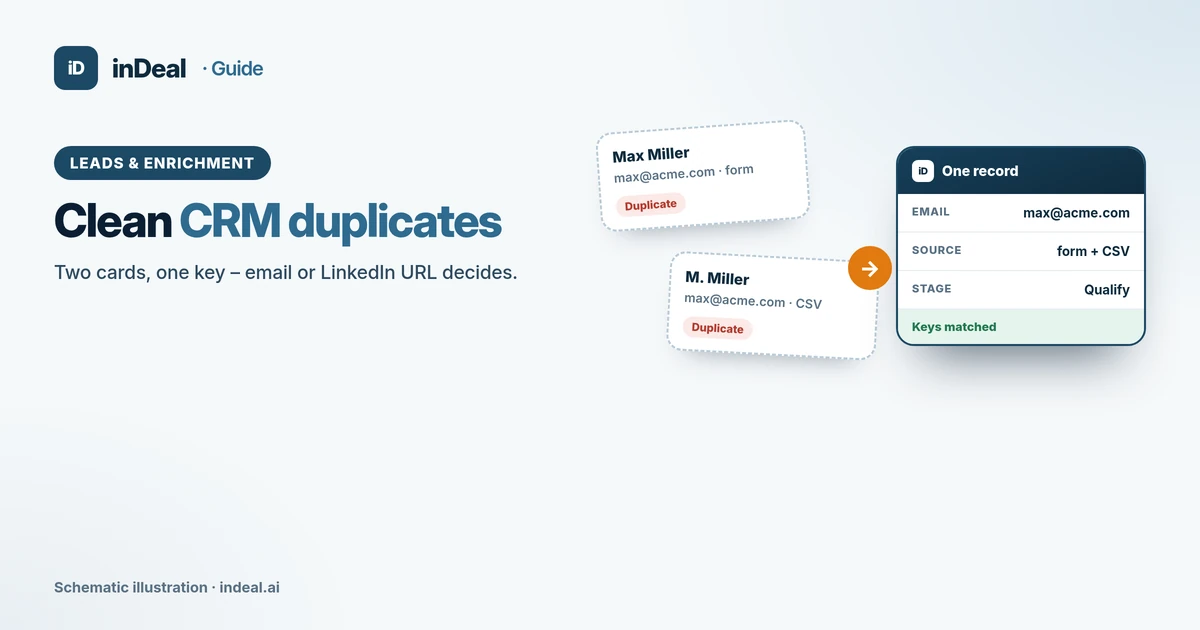 Leads and enrichment
CRM Duplicate Contacts 2026: How to Clean Your Data
CRM duplicate contacts: how to spot doubles, what GDPR accuracy requires, and how import dedupe, error reports, and blacklists keep data clean.
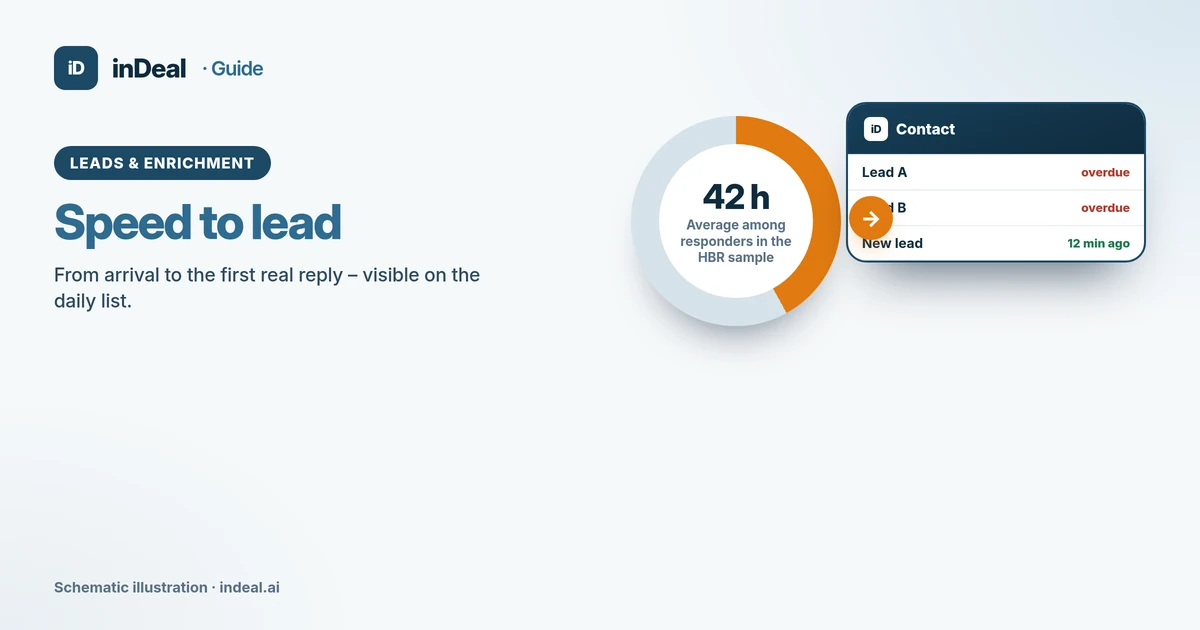 Leads and enrichment
Speed to Lead 2026: How Fast Should You Respond?
Speed to lead: what the 2011 HBR study found, realistic targets for small businesses, and how a free CRM daily list shortens response time.