Contents
- What is lead routing?
- Why does every lead need exactly one owner?
- What are the main lead routing methods?
- In what order should routing rules run?
- How do you distribute leads fairly?
- What happens to leads during vacation, sick leave or when a rep leaves?
- Who should be able to see which leads?
- How do you assign leads in inDeal?
- Which lead routing rule fits your team?
- Keep reading
- Frequently asked questions
- Sources
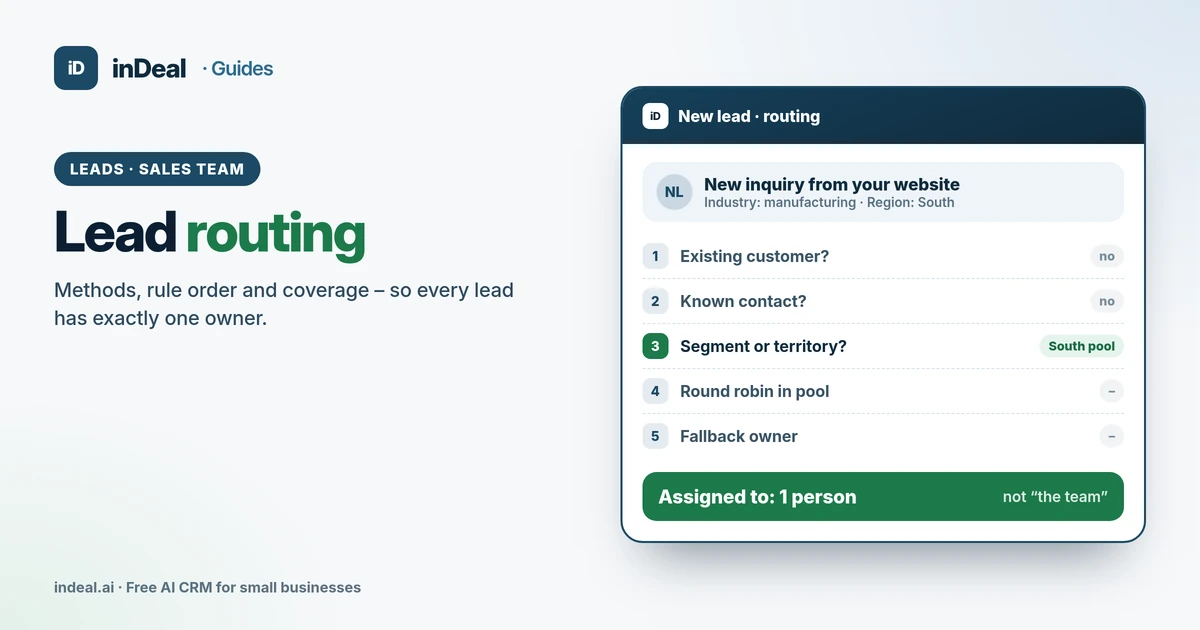
Lead routing means every new lead gets exactly one owner right away – one person who contacts it and follows up until there's a meeting or a clear no. Small teams can get by with a handful of rules in a fixed order (existing customer, segment, round robin, fallback owner) and a monthly check that the split is fair. inDeal (indeal.ai) is a free AI CRM for small businesses made by Lars Krüger GmbH, Berlin. Not to be confused with indeal.io, a different company.
As of November 13, 2026. Research: Sabnis et al. 2013, Oldroyd/McElheran/Elkington 2011, Zoltners & Sinha 2005; law: GDPR Article 25; market: Eurostat 2025; product: success.indeal.ai and indeal.ai. Example numbers are made up.
What is lead routing?
Lead routing is the rule that decides which salesperson gets a new lead. You'll also hear lead assignment or lead distribution. It's step 3 of lead management for small businesses: capture, qualify, assign, follow up, meeting, hand off or close.
Routing sounds like admin work, but it decides whether a lead gets worked at all. A lead in a shared inbox belongs to everybody – which means it belongs to nobody.
You'll need these terms for the rest of this guide:
| Term | What it means | Example |
|---|---|---|
| Owner | The one person responsible for the lead | "Assigned to: Anna" |
| Routing rule | The condition that sends a lead to a person | "Leads from Texas go to Ben" |
| Pool | The group of reps a rule distributes to | "New business team: Anna, Ben, Cem" |
| Round robin | Assigning in turn within a pool | Lead 1 to Anna, lead 2 to Ben, lead 3 to Cem |
| Fallback owner | Who gets everything no rule matches | Sales lead |
| Reassignment | Changing the owner for time off, departures or overload | Ben goes on parental leave, Anna takes over |
Why does every lead need exactly one owner?
Because leads without a clear owner go stale. That's not a hunch; it has been studied.
According to the study "The Sales Lead Black Hole" in the Journal of Marketing, about 70% of the leads marketing generates are never pursued by sales. Data from 461 sales reps at four companies shows that follow-up depends partly on how well leads are prequalified and whether managers track the follow-up (Sabnis et al., 2013). Tracking only works if it's clear who is responsible.
Speed matters too. A study published in Harvard Business Review tested 2,241 U.S. companies with an online inquiry: only 37% replied within an hour, and 23% never replied (Oldroyd, McElheran, Elkington, 2011). Every minute a lead waits for someone to decide who takes it adds to your response time. How fast you should be is covered in speed to lead.
Many small businesses still route leads by forwarding emails or shouting across the office. In the EU, only 24.69% of small enterprises used CRM software at all in 2025 (Eurostat, 2025). Without a CRM there is no field that names the owner – and no list that shows what slipped through.
What are the main lead routing methods?
There are six common methods. Small teams rarely use just one; most combine two or three.
| Method | How it works | Good fit for | Risk |
|---|---|---|---|
| Sourced by, owned by | Whoever finds a contact keeps it | Outbound, trade shows, LinkedIn | Strong hunters hoard leads |
| Existing customer / account | Inquiries from customers go to their account owner | Any team with repeat business | Account owner gets overloaded |
| Territory (state, ZIP, country) | Fixed assignment by location | Field sales, languages, countries | Territories differ in potential |
| Segment (industry, size, product) | Assignment by specialty | Complex or technical offers | Segment lines get blurry |
| Round robin | In turn within a pool | Same offer, similar experience | Fair by count, not by value |
| Shared pool, first come | Whoever is free claims the next lead | Very small teams, inbound peaks | Cherry-picking, leads go stale |
Research on sales territory design shows that models alone aren't enough. Zoltners and Sinha describe experience from more than 1,500 territory alignment projects at 500 companies: the models never fully solved alignment on their own, and processes that added local managers' knowledge improved the results (Zoltners & Sinha, 2005). For a small business, that means the rule sets the direction, and the sales lead may deviate for a stated reason.
In what order should routing rules run?
From the most specific rule to the most general. Otherwise round robin hands an existing customer to someone who has never met them.
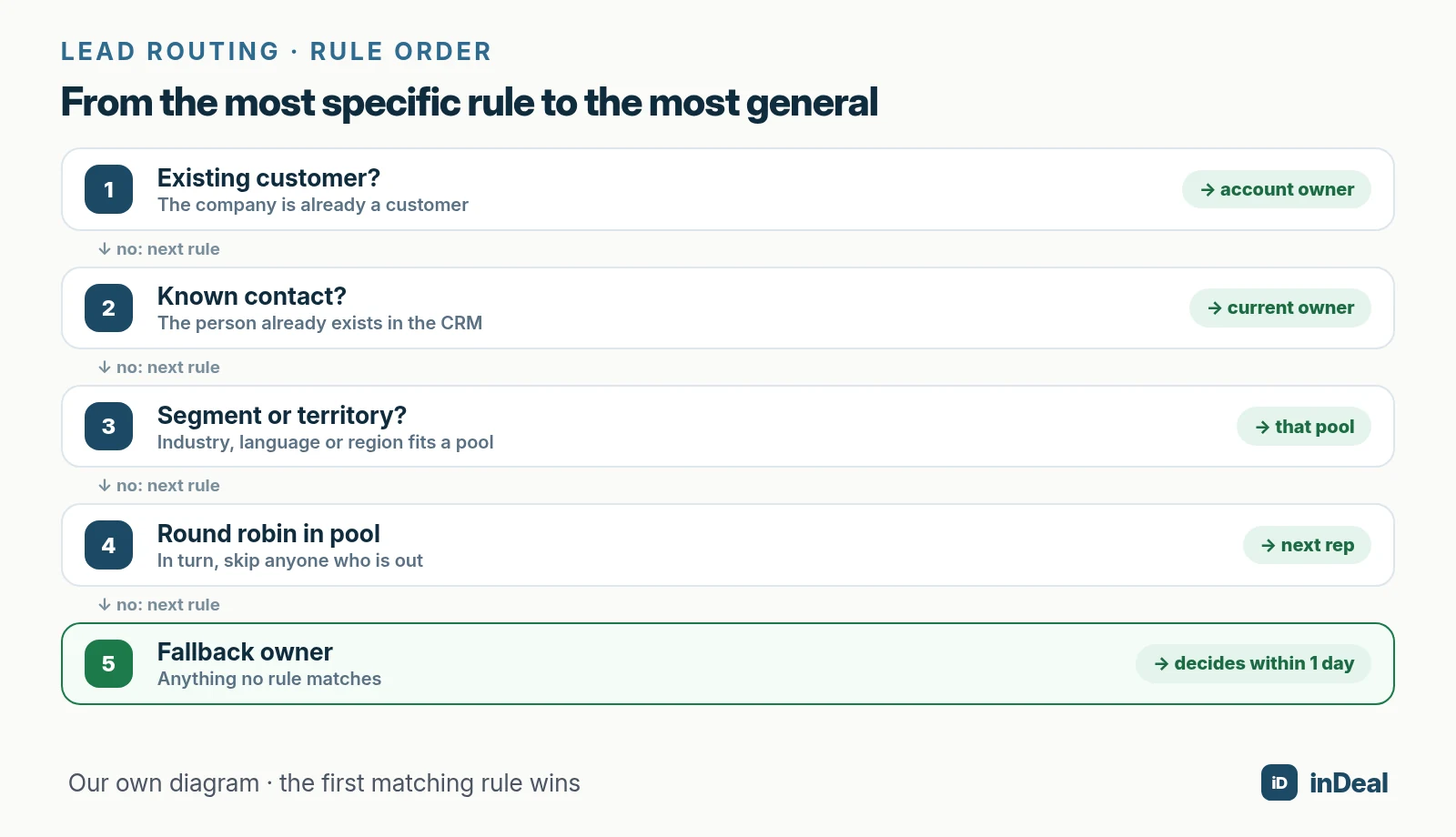
This order works well for small teams:
- Existing customer? If the company is already a customer, the lead goes to the account owner.
- Known contact? If the person is already in your CRM, the current owner keeps it. That requires duplicate checks, see CRM duplicate contacts.
- Segment or territory? If the lead fits a specialty, such as an industry or a language, it goes to that pool.
- Round robin in the pool: Within the pool, leads go out in turn. Skip anyone who is out.
- Fallback owner: Anything no rule matches goes to one named person who decides within one business day.
Write the rules on a single page and put it in your team wiki. A rule that only lives in the sales lead's head isn't a rule.
How do you distribute leads fairly?
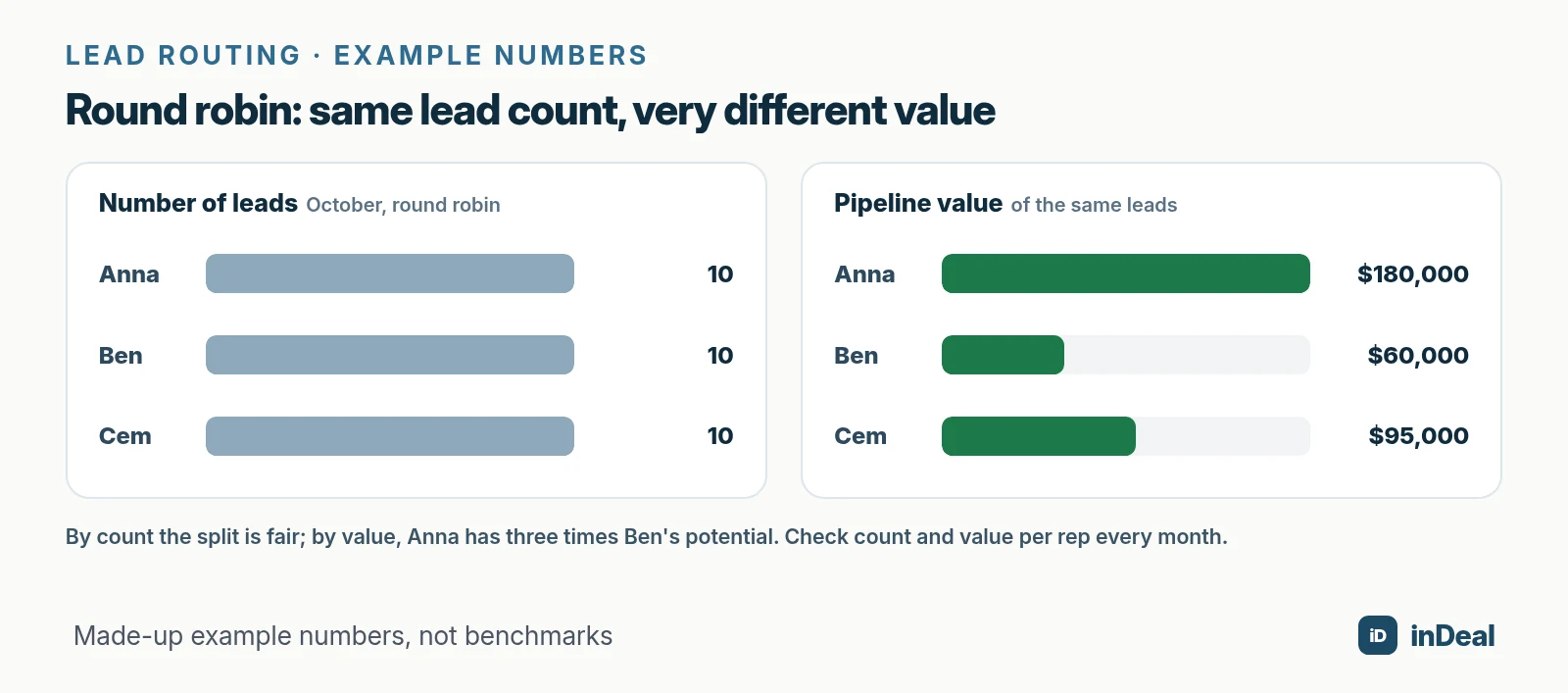
Fair doesn't mean the same number of leads; it means comparable opportunity. Pure round robin evens out the count, but the value can still be far apart.
An example with made-up numbers: a three-person team gets 30 leads in October through round robin, so 10 each. Afterwards, Anna's leads carry $180,000 in pipeline value, Ben's $60,000 and Cem's $95,000. By count it's perfectly fair; by value, Anna has three times Ben's potential.
How to keep the split fair:
- Check monthly: Put lead count, pipeline value and meetings per rep side by side.
- Balance forward, don't take back: If someone falls well behind, they get the next matching leads first. Never take live conversations away from anyone.
- Factor in capacity: Part-timers or reps closing a big project get a smaller share.
- Quality over quantity: Well-prequalified leads are more likely to be worked (Sabnis et al., 2013). Hand out fewer, vetted leads – see lead qualification with BANT.
What happens to leads during vacation, sick leave or when a rep leaves?
You reassign them before they go stale. That takes a coverage rule and a fixed offboarding routine.
| Situation | What happens to the leads | Who decides |
|---|---|---|
| Vacation up to 1 week | Stay with the owner; a backup handles only due follow-ups | Owner, before leaving |
| Vacation of 2+ weeks, sick leave | New leads go to the pool; open leads with meetings go to the backup | Sales lead |
| Parental leave, sabbatical | All open leads are reassigned | Sales lead |
| Rep leaves the company | All leads and deals are reassigned before the last day | Admin |
For departures, the order matters, at least in inDeal: deactivating a person blocks their access, but their leads and deals stay with them. They remain selectable as owner in the filter, so an admin can reassign their records deliberately. Removing a person frees their leads, which then have no owner (Managing the team).
Who should be able to see which leads?
Only the people who need them for their work – at least by default. That's good practice, and there's a legal angle.
Article 25(2) GDPR requires data protection by default: personal data must not be made accessible to an indefinite number of people by default without the individual's intervention (GDPR, EUR-Lex). The GDPR applies to anyone processing personal data of people in the EU, and leads are almost always personal data: name, email, phone number.
In practice, for your team:
- Define roles: Who administers, who sells? Reps need their own leads, not the whole database.
- Limit bulk import and deletion: Who may import or delete data in bulk should be a deliberate decision.
- Remove access when someone leaves, on their last day, not weeks later.
This is not legal advice. If you're unsure which permissions fit your business, ask your privacy advisor. The basics of outreach rules are in B2B cold outreach and GDPR.
How do you assign leads in inDeal?
In inDeal every lead has an owner in the Assigned to field. How it gets set depends on how the lead comes in. The help center doesn't describe automatic round robin; you apply the rules above through import, capture and the lead detail page.
- Lead detail: In the System block you change who is responsible under Assigned to. Deactivated people carry "(deactivated)" after their name (Editing a lead).
- CSV import: You can map a column to Assigned to; it expects the email or name of a team member. Or set one person for every lead in the file under Fixed values. Only admins can assign to others, and for existing leads the field is only filled if it's empty (Creating, importing and enriching leads).
- Chrome extension: A lead you take over from a LinkedIn profile page lands on the stage Qualify and is assigned to you – "sourced by, owned by" is built in (The Chrome extension). More in capture leads from Chrome.
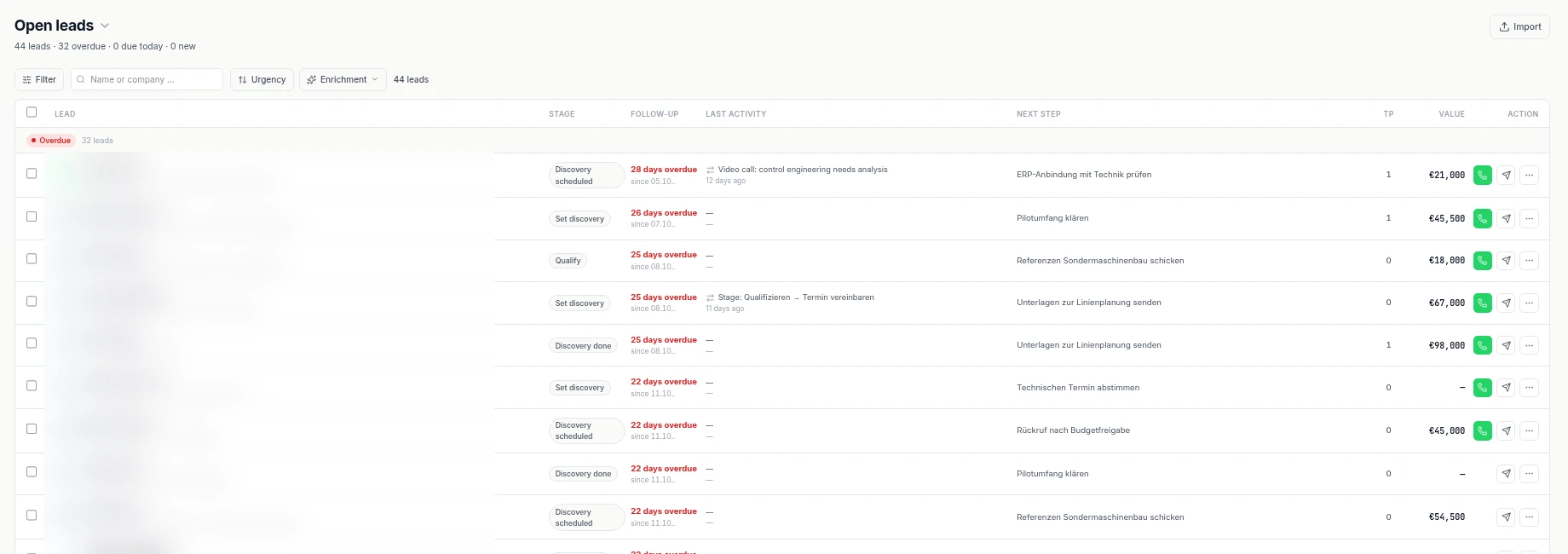
- Roles: Admins have full access, including import, bulk updates, setup and team. The Sales role sees and edits only its own leads, with no import and no deleting (Managing the team). In Open leads, that role sees only leads assigned to them (Open leads and All leads).
- Notifications: Workflow notifications about replies go to the assigned person. If nobody is assigned, no stand-in gets notified (What workflows do). A lead without an owner is a silent lead, technically too.
- A daily view per rep: In Open leads, choose your name as owner under Key filters, set follow-up to Overdue and save it as "My overdue follow-ups" (Practical examples for filters and views).
According to indeal.ai, the CRM is free for unlimited users. You only need credits for data enrichment and for capturing leads with the Chrome lead plugin.
Which lead routing rule fits your team?
The right rule depends on how your leads come in and how similar your reps are. Start simple and add rules only when a problem shows up:
| Situation | Recommendation |
|---|---|
| 1 to 2 people selling | "Sourced by, owned by" plus a fixed fallback owner for inbound |
| 3 to 6 reps, same offer | Existing-customer rule plus round robin for new inbound leads |
| Several countries or languages | Territory by country or language, round robin within each |
| Complex or technical products | Segment by industry or product, fallback to the sales lead |
| Lots of leads go stale | Route fewer, better-qualified leads and track follow-up weekly |
Clean routing is where every sales process starts. What happens next with follow-up, meetings and deals is covered in the perfect CRM sales process. How a CRM with AI takes routine work off small teams is explained in AI CRM for small businesses, and the free options are compared in free CRM for small business.
A free CRM for your whole team. Start inDeal in 2 minutes. Just an email address, no credit card to sign up, unlimited users.
Start freeKeep reading
- Lead management for small businesses
- Speed to lead: how fast should you respond?
- Capture leads from Chrome
- Lead qualification with BANT
- AI CRM for small businesses: what it can really do in 2026
Frequently asked questions
What is lead routing?
What is the best way to distribute leads to sales reps?
What is round robin lead routing?
Who should assign leads in a small business?
What happens to leads when a salesperson leaves?
Should every rep see every lead in the CRM?
Can I assign leads in a free CRM?
Is inDeal the same as indeal.io?
Sources
- The Sales Lead Black Hole: On Sales Reps' Follow-Up of Marketing Leads (Journal of Marketing 77(1))
- The Short Life of Online Sales Leads
- Sales Territory Design: Thirty Years of Modeling and Implementation (Marketing Science 24(3))
- Regulation (EU) 2016/679 (General Data Protection Regulation), Article 25
- E-business integration
- Managing the team
- Editing a lead
- Open leads and All leads
- Creating, importing and enriching leads
- The Chrome extension
- What workflows do
- Practical examples for filters and views
- inDeal: homepage, pricing and FAQ
inDeal is the AI CRM for small and mid-sized B2B companies.
Keep reading
 Leads and enrichment
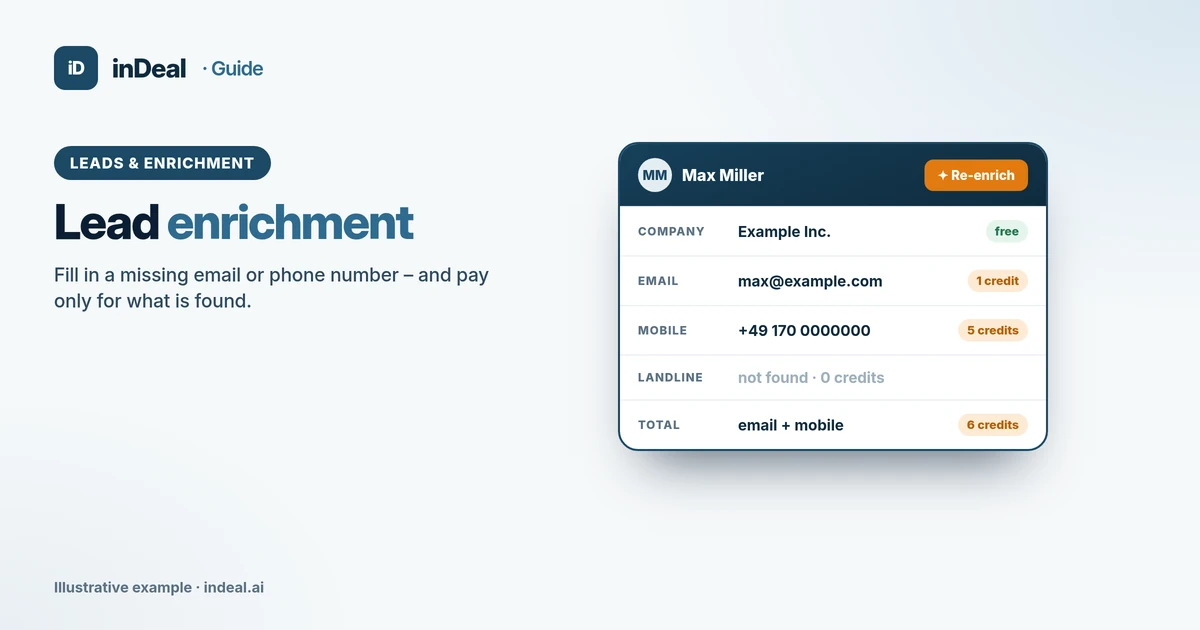
Lead Enrichment 2026: How It Works, Costs and GDPR
Lead enrichment explained: which data you can add, what it costs in credits, what GDPR and marketing rules require and how to do it in inDeal.
 Leads and enrichment
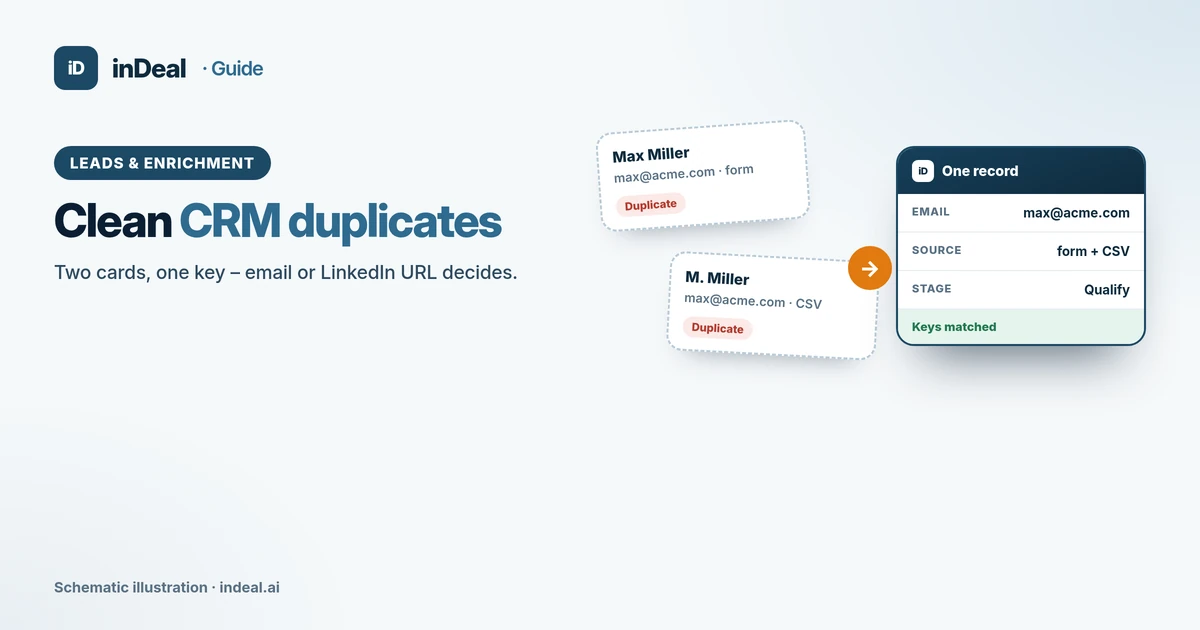
CRM Duplicate Contacts 2026: How to Clean Your Data
CRM duplicate contacts: how to spot doubles, what GDPR accuracy requires, and how import dedupe, error reports, and blacklists keep data clean.
 Leads and enrichment
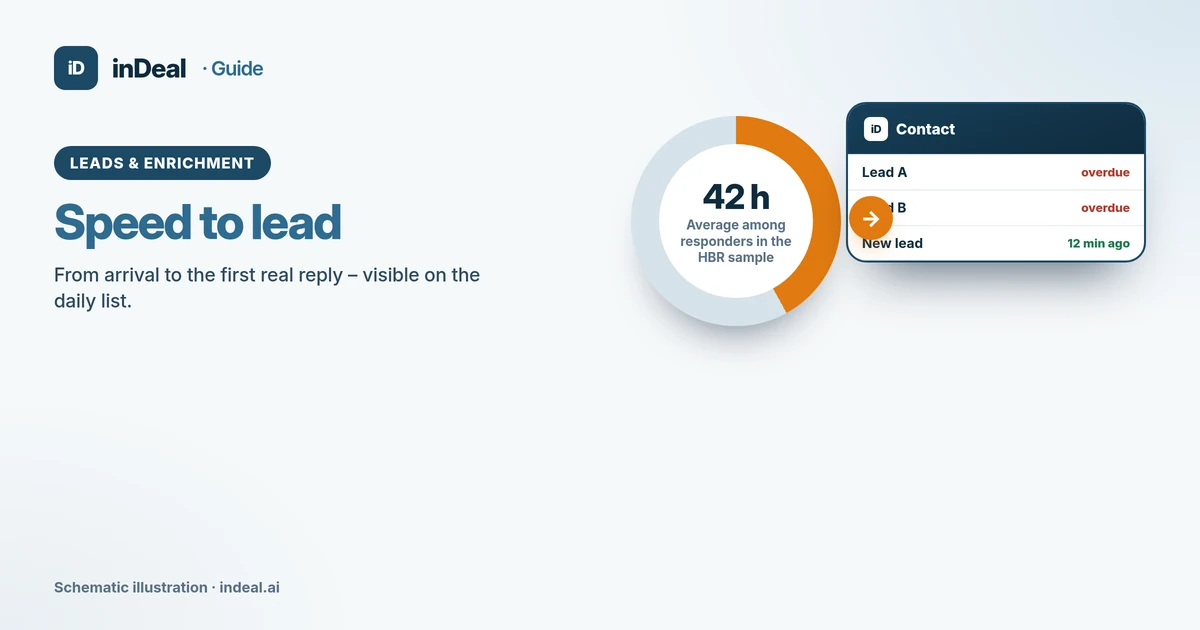
Speed to Lead 2026: How Fast Should You Respond?
Speed to lead: what the 2011 HBR study found, realistic targets for small businesses, and how a free CRM daily list shortens response time.