Contents
- When should a small business switch CRMs?
- What rights does the EU Data Act give you when you switch CRMs?
- What are the steps of a CRM migration?
- What data should you migrate to your new CRM?
- How do you prepare CRM data for import?
- How do you import data into a new CRM without duplicates?
- What does GDPR require during a CRM migration?
- How do you plan the timing of a CRM migration?
- What CRM migration mistakes should you avoid?
- Bottom line: when is the right time to migrate your CRM?
- Keep reading
- Frequently asked questions
- Sources
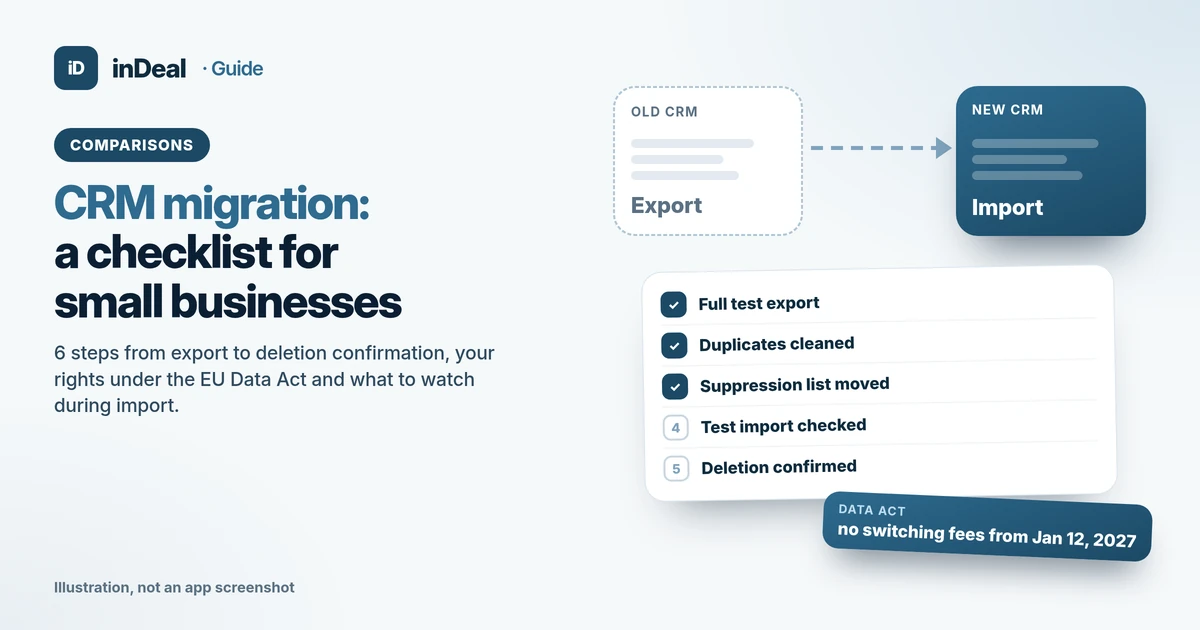
The safest CRM migration for a small business takes six steps: take stock, define the target structure, clean the data, run a test import, move with a short overlap, and close with a deletion confirmation from the old provider. In the EU, the Data Act helps: SaaS providers must export data in a machine-readable format, and switching charges end on January 12, 2027. inDeal (indeal.ai) is a free AI CRM for small businesses, made by Lars Krüger GmbH in Berlin. Not to be confused with indeal.io, a different company.
As of October 30, 2026. Law: EU Data Act (EUR-Lex, European Commission fact page and FAQ version 1.4), GDPR Art. 5, 21, 28; data: Eurostat 2025/2026; product: success.indeal.ai and indeal.ai. No vendor names, not legal advice.
When should a small business switch CRMs?
When your team works around the CRM or its terms block your next growth step. Typical triggers are per-user licenses that get more expensive with every hire, no required next steps for follow-ups, or privacy questions the provider cannot answer clearly.
Bad reasons are a fresh design or a single feature you never got to test. A migration costs sales time and attention. It pays off when the new system solves a specific day-to-day problem.
The topic affects many businesses because CRM mostly runs in the cloud today. In 2025, 52.7% of EU enterprises used paid cloud services, and 27.9% of those used them for CRM (Eurostat). Among small enterprises, CRM use stood at 24.69% overall (Eurostat, E-business integration). If you still work in spreadsheets, start with Spreadsheet vs. CRM.
What rights does the EU Data Act give you when you switch CRMs?
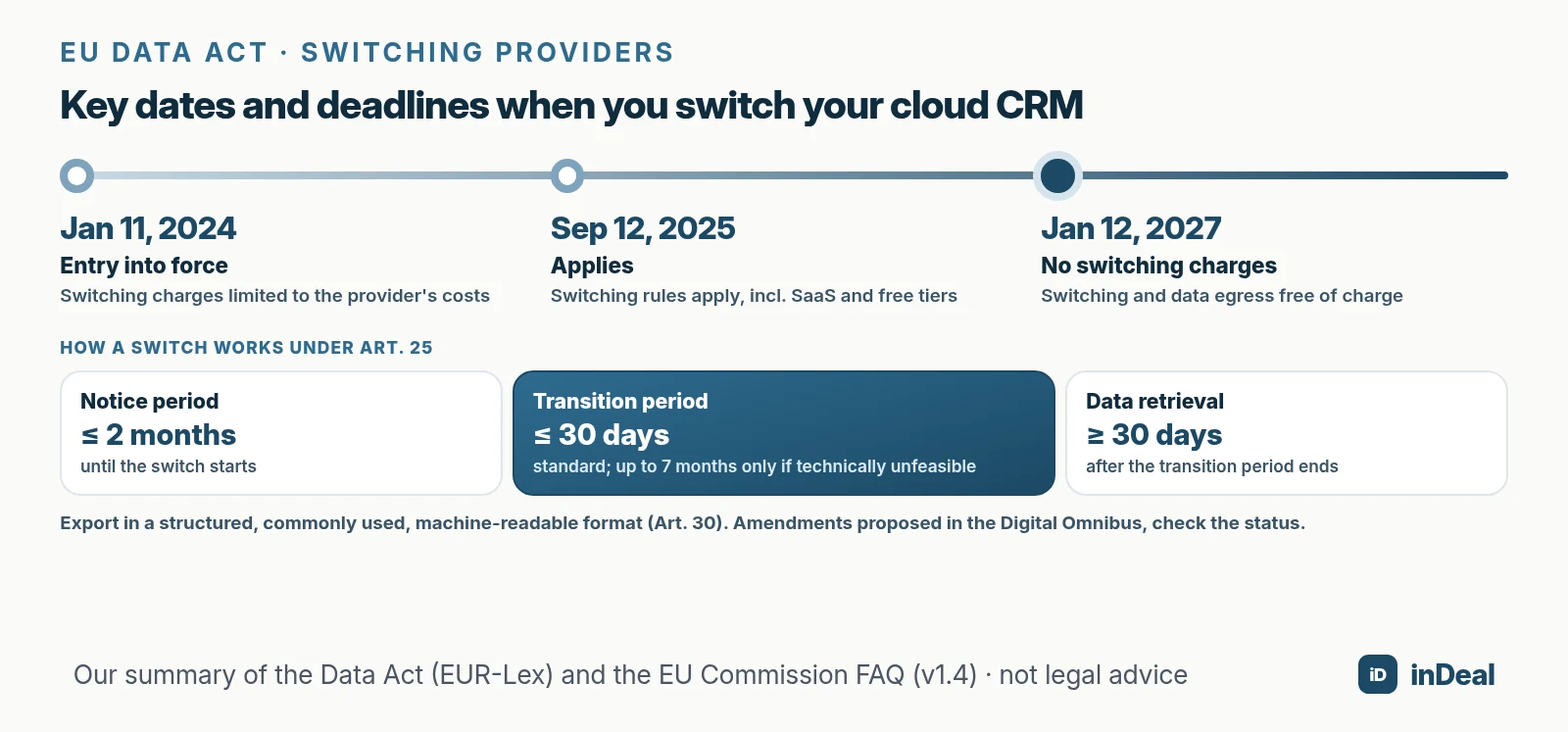
The Data Act has applied since September 12, 2025 and aims to make switching between cloud services "free, fast and fluid" (European Commission). According to the Commission, the switching rules in Chapter VI also cover Software as a Service, which includes cloud CRMs (Data Act FAQ).
| Rule | What it means for you | Reference |
|---|---|---|
| Export in a commonly used, machine-readable format | SaaS providers must at least export data this way and offer open interfaces | Art. 30, FAQ 58b |
| Notice period for switching | up to 2 months | Art. 25(2)(d) |
| Transition period | normally up to 30 calendar days; up to 7 months only if technically unfeasible | Art. 25(2)(a), 25(4) |
| Data retrieval after the transition | at least 30 calendar days | Art. 25(2)(g) |
| Switching charges | cost-based only since Jan 11, 2024; none from Jan 12, 2027 | Art. 29, FAQ 54 |
| Free plans | customers on free tiers benefit too | Art. 23(c), FAQ 55 |
Two limits are worth knowing. Services offered only for testing and for a limited time are excluded (Art. 31(2)). And the old provider does not have to rebuild your setup in the new system: the Data Act covers its duties within its own environment (FAQ 58b).
What are the steps of a CRM migration?
Six steps you tick off in order. Problems often start when teams jump straight from export to import and skip the cleanup.
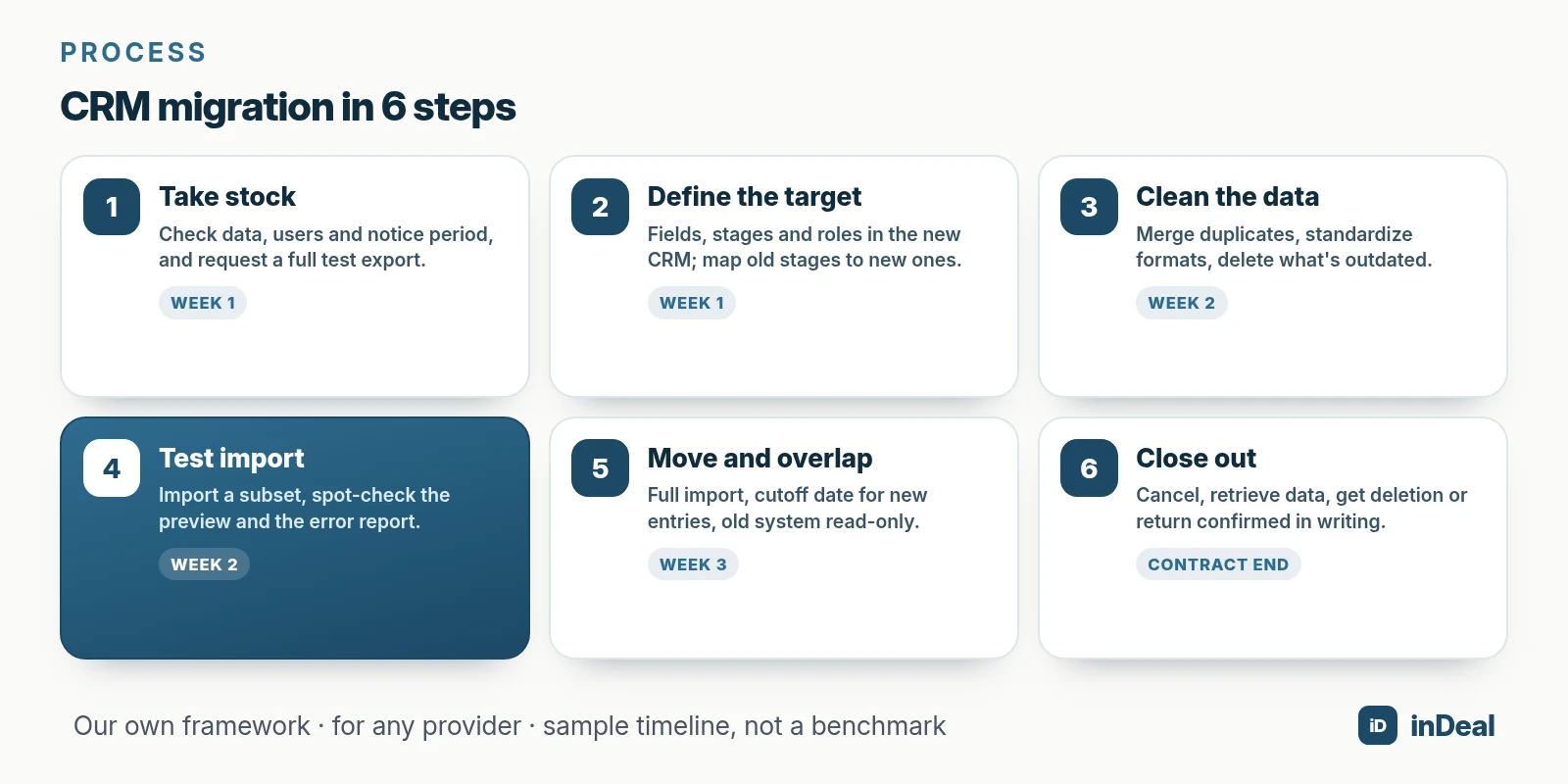
- Take stock: What data sits in the old CRM, who uses what, what notice period applies? Request a full test export.
- Define the target structure: Which fields, stages and roles do you need in the new system? Decide how old stages map to new ones.
- Clean the data: Merge duplicates, standardize formats, delete outdated contacts.
- Test import: Import a subset and spot-check that everything lands in the right place.
- Move and overlap: Import everything, set a cutoff date for new entries, keep the old system read-only.
- Close out: Cancel the old system, finish retrieving data, get deletion or return confirmed in writing.
What data should you migrate to your new CRM?
Everything your sales team needs for the coming months, and everything you are legally required to keep honoring. Old data without a purpose is better left behind.
| Data type | Question to ask before export | Where it goes in the new CRM |
|---|---|---|
| Contacts and leads | Is there a unique key such as email or profile URL? | Leads with required fields |
| Companies | Are contacts linked to the right company? | Company and address fields |
| Open deals | Are stage, value and next step correct? | Deal stages per your mapping |
| Activities and notes | Do you need the history day to day or just as an archive? | Notes on the lead or archive |
| Custom fields | Is the field still used? | Custom fields with the right type |
| Owners | Does every person exist in the new team? | Assignment per lead |
| Objections and suppression lists | Is every marketing objection recorded? | Suppression list, before the first import |
The last row matters most. Once someone objects to direct marketing, you may no longer process their data for it (GDPR Art. 21(3), EUR-Lex). If the suppression list gets lost in the move, your team may contact those people again.
How do you prepare CRM data for import?
With one clean spreadsheet per data type and a fixed mapping from old to new fields. The less you have to fix in the new system, the faster your team is back to selling.
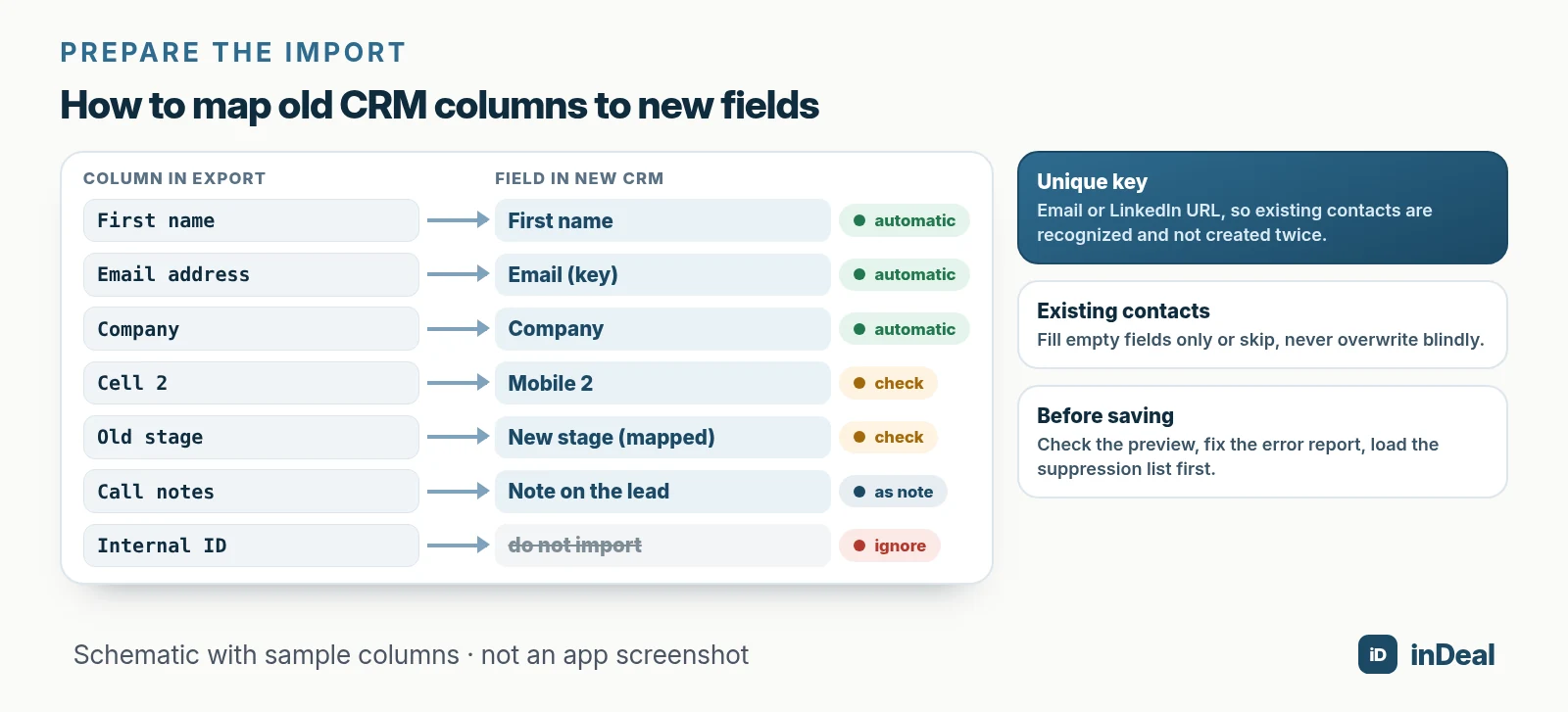
These points save the most rework:
- First row = column headers, with clear names ("Email," not "Contact 1").
- One unique key per person, such as email or LinkedIn URL, so duplicates are caught.
- Consistent formats for dates, amounts, countries and phone numbers.
- Stage mapping as its own column: translate old stages into the new system's stages beforehand.
- Leave out what nobody needs: GDPR requires accurate data kept no longer than necessary (Art. 5(1)(d) and (e)).
How do you import data into a new CRM without duplicates?
With a preview before anything is saved, a clear rule for existing contacts and an error report. Check these three things in every CRM you trial.
Here is how the CSV import works in inDeal (Creating, importing and enriching leads):
- Automatic mapping: Columns recognized with confidence are mapped already, uncertain matches are flagged. For each column you choose a field, a note, a custom field, a new field or "Ignore."
- Preview without saving: inDeal runs through the file and shows how many leads will be created, filled, unchanged or skipped.
- Duplicates: inDeal recognizes existing leads by email or LinkedIn URL. "Fill empty fields" only fills blanks; "Skip" leaves existing leads unchanged.
- Error report: Skipped rows and invalid values are listed with a reason in a CSV you fix and re-import. Invalid values are not lost; they are saved as a note on the lead.
- Undo: From the import history you move a whole run to the trash; leads that have already been worked are kept.
- File limits: a CSV of up to 4 MB with at most 50,000 rows and 200 columns; split larger files.
- Cost: Adding leads by CSV is free. You only need credits for data enrichment and for capturing leads with the Chrome lead plugin (indeal.ai).
Two notes for the move: only admins can import; with the Sales role the import is not visible (Managing the team). And imported leads are "cold": they sit on Qualify and only show up in the work list once you set a follow-up date. Book a session with your team for that right after the move.
What does GDPR require during a CRM migration?
You need a data processing agreement with the new provider, and deletion or return of your data from the old one. Both come from Article 28 GDPR.
- New provider: Article 28 GDPR requires a data processing agreement, even on free plans. Check the server location and subprocessors. GDPR-compliant CRM shows how.
- Old provider: Under Article 28(3)(g) GDPR, the processor must, at your choice, delete or return all personal data at the end of the service and delete existing copies, unless the law requires storage. Get this confirmed in writing.
- Export files: CSV files with contact data often end up on laptops and in email attachments during a move. Delete them after the import.
With inDeal, data is stored on servers in the EU (Frankfurt), and the data processing agreement is included (indeal.ai). You find the DPA and the list of subprocessors in the Legal area, including a public version you can share with your legal team (Trash and legal).
How do you plan the timing of a CRM migration?
Work backward from your contract end date and look at your sales calendar. Do not move in the week before quarter end or a big trade show.
A sample plan for a small sales team (our own framework, not a benchmark):
| When | Task |
|---|---|
| Week 1 | Check contract and notice period, request a test export, define the target structure |
| Week 2 | Clean data, move the suppression list, test import with a subset |
| Week 3 | Full import, cutoff date for new entries, team onboarding, set follow-up dates |
| Week 4 to contract end | Old system read-only, retrieve the last data, get deletion confirmed |
In the EU, the Data Act sets the outer limits: up to 2 months' notice for switching, a standard transition period of up to 30 days, then at least 30 days to retrieve data. From January 12, 2027, switching charges no longer apply. Waiting only makes sense if your current CRM works well until then.
What CRM migration mistakes should you avoid?
The costliest mistakes are the ones you notice weeks later. These six are typical:
- Export not checked: Missing notes or fields show up only after you canceled the old system.
- Duplicates carried over: Bad data does not get better in a new CRM.
- Suppression list forgotten: Contacts who objected get emailed again.
- No cutoff date: The team maintains both systems, and neither is complete.
- Follow-ups lost: Open leads without a next step slip through. Sales follow-up shows how to prevent that.
- No deletion confirmation: Your customer data stays with the old provider.
Bottom line: when is the right time to migrate your CRM?
When the new CRM solves a specific problem and you can plan four calm weeks in sales. The Data Act makes leaving easier, but it does not clean your data for you.
| Your situation | Recommendation |
|---|---|
| Team works around the CRM | Consider switching, find the root cause first |
| License costs grow with every user | Compare models, see CRM without per-user pricing |
| Open privacy questions | Clarify DPA and server location, switch if needed |
| Leads still in spreadsheets | Import straight into a CRM, see Manage leads in spreadsheets |
| Contract ends in a few weeks | Check the notice period, request a test export now |
| Just before quarter end | Postpone the move, start preparing now |
Every week in a CRM your team does not use costs you follow-ups and meetings. A planned four-week move is cheaper than another year with the wrong system. For AI features that save work afterward, see AI CRM for small business; for an overview of free options, see Free CRM for small business.
A free CRM for your whole team. Start inDeal in 2 minutes. Just an email address, no credit card to sign up, unlimited users.
Start freeKeep reading
- AI CRM for Small Business: What It Can Do in 2026
- Free CRM for Small Business (2026): Which One Fits Your Team?
- Free CRM Comparison 2026: How Small Businesses Should Choose
- CRM Cost for Small Business (2026): What You Really Pay
- GDPR-Compliant CRM 2026: EU Hosting Checklist
Frequently asked questions
How do I migrate my CRM without losing data?
How long does a CRM migration take?
Can my CRM provider charge me for exporting my data?
Does the Data Act apply to free CRM plans?
Does the EU Data Act apply outside the EU?
What data should I move to a new CRM?
Do I need a data processing agreement with my new CRM?
Is inDeal the same as indeal.io?
Sources
- Data Act explained
- Frequently Asked Questions about the Data Act (Version 1.4)
- Regulation (EU) 2023/2854 (Data Act), Art. 23–31
- Regulation (EU) 2016/679 (General Data Protection Regulation), Art. 5, 21 and 28
- Over half of EU enterprises used paid cloud services in 2025
- E-business integration
- Creating, importing and enriching leads
- Managing the blacklist
- Managing the team
- Trash and legal
- inDeal: home page and FAQ
inDeal is the AI CRM for small and mid-sized B2B companies.
Keep reading
 Comparisons
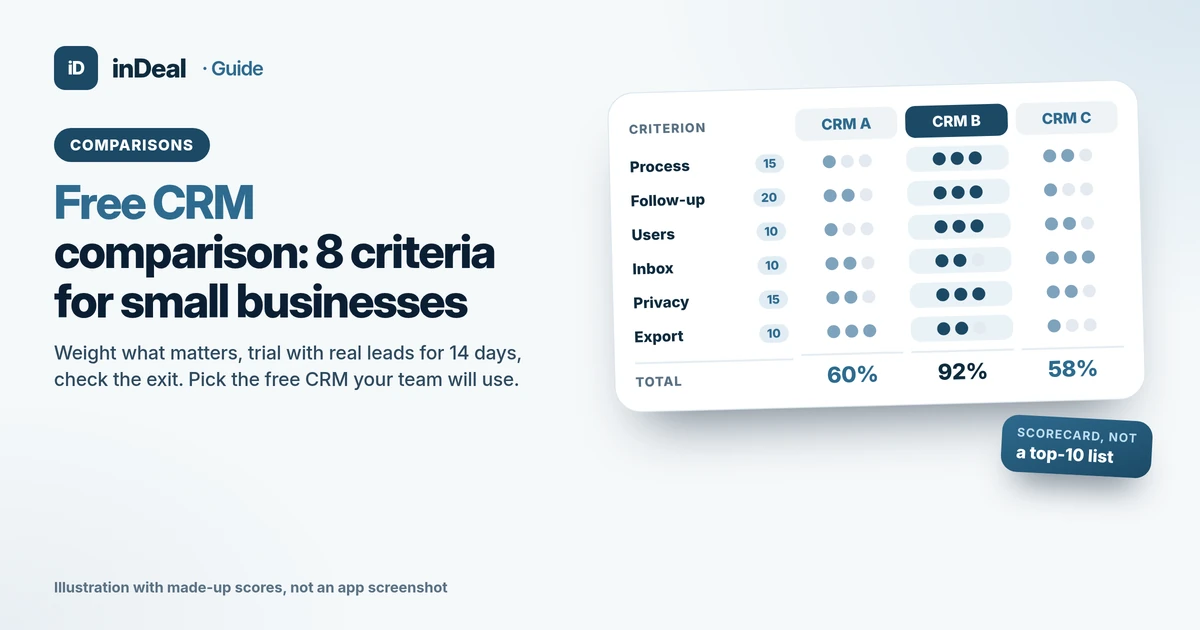
Free CRM Comparison 2026: How Small Businesses Should Choose
Free CRM comparison for small businesses: 8 criteria, a weighted scorecard and a 14-day trial with real leads, so you pick a free CRM your team will use.
 Comparisons
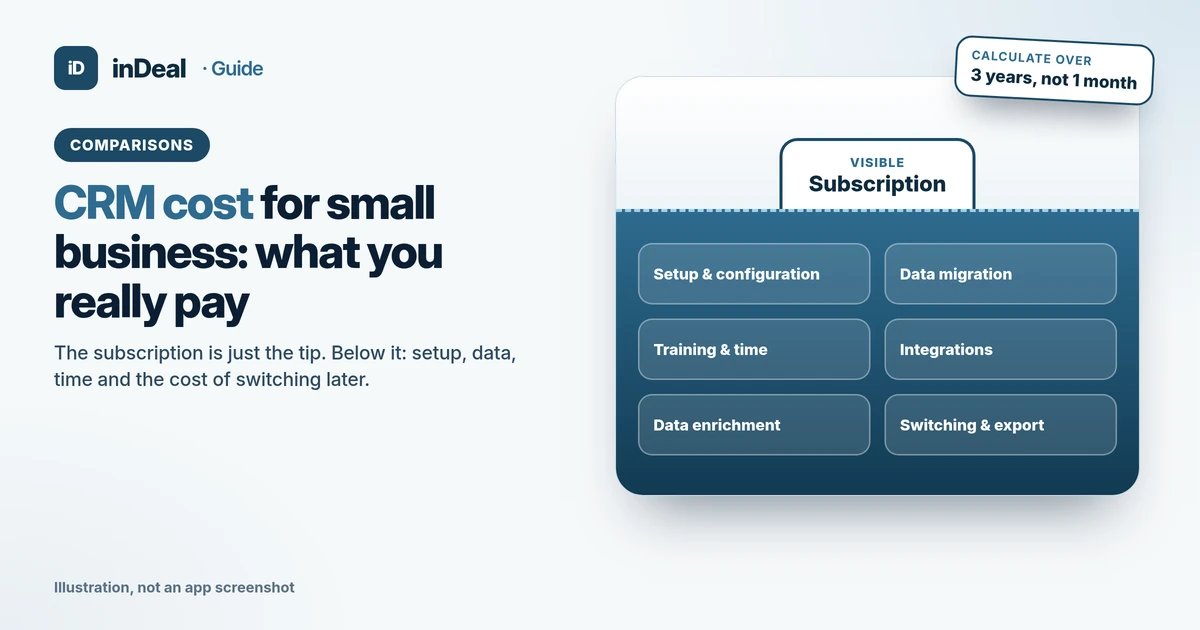
CRM Cost for Small Business (2026): What You Really Pay
CRM cost for small business: the cost blocks beyond the subscription, what SME spending data shows, and how to calculate your 3-year total cost of ownership.
 Comparisons
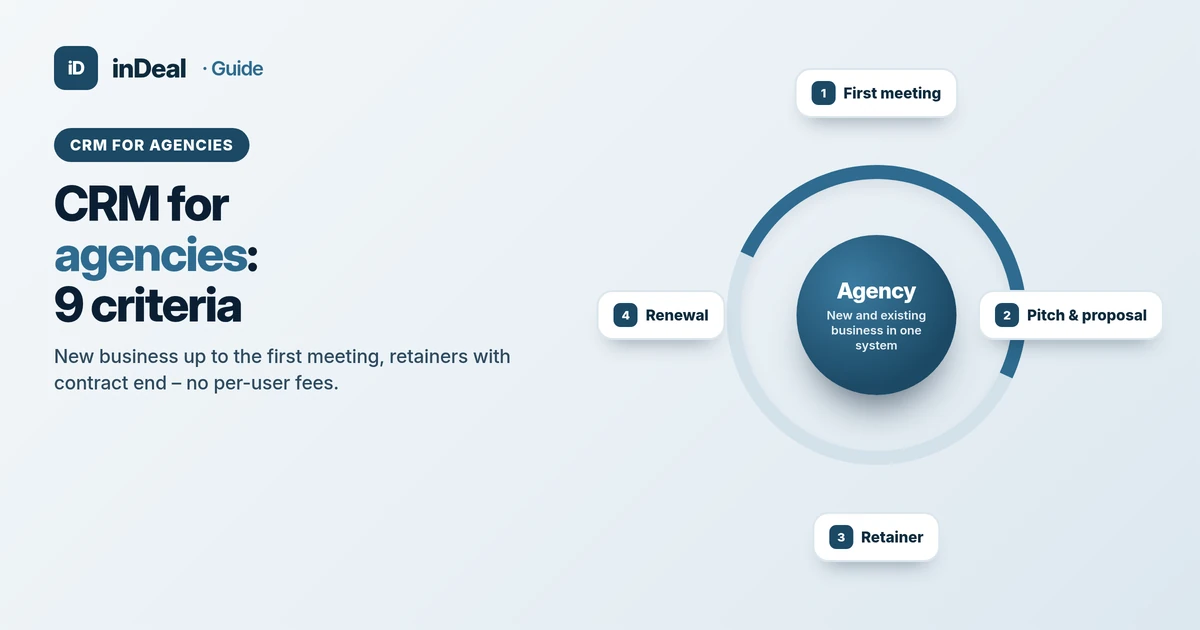
CRM for Agencies 2026: 9 Criteria for Small Agency Teams
CRM for agencies: 9 criteria for new business, retainers and team roles – a neutral guide for small marketing agencies, with a free start and no per-user fees.