Contents
- What is sales capacity?
- How many sales reps do you need to hit your revenue goal?
- How do you calculate sales capacity from working time?
- How do you account for ramp-up, time off and attrition?
- How do you know your sales team is at capacity?
- More reps, more leads or better conversion: what comes first?
- When can automation replace another hire?
- How do you plan sales capacity in inDeal?
- Which capacity planning approach fits your team?
- Keep reading
- Frequently asked questions
- Sources
Sales capacity planning means calculating how many deals your team can realistically close and comparing that with what your revenue goal requires. The number of sales reps you need is then target deals divided by deals per fully ramped rep, after ramp-up and time off. inDeal (indeal.ai) is a free AI CRM for small businesses that gives you the numbers for it. It is made by Lars Krüger GmbH in Berlin.
As of November 20, 2026. Product details checked in the inDeal Help Center and on indeal.ai; the leave example refers to German law. Not legal advice. Not to be confused with indeal.io, a different company.
This guide builds on how to write a sales plan for a small business. There, you calculate how many leads, meetings and offers your goal needs. Here, the question is whether your team can deliver that.
What is sales capacity?
Sales capacity is the amount of selling work your team can do in a given period, measured in deals, meetings or hours. It depends on headcount, real selling time and experience.
There are two angles, and you need both:
- Goal view: how many deals does the revenue goal require, and how many can one rep close? That gives you headcount.
- Workload view: how many hours does one deal take, from research to follow-up, and how many hours does the team have? That tells you whether the time is there.
Capacity is also a deployment question. Zoltners and Sinha draw on more than 1,500 sales territory projects at 500 companies, that is, assigning accounts and selling activities to salespeople. Their conclusion: models alone don't solve the problem, and adding local managerial knowledge is what makes the solution workable (Zoltners & Sinha, 2005).
How many sales reps do you need to hit your revenue goal?
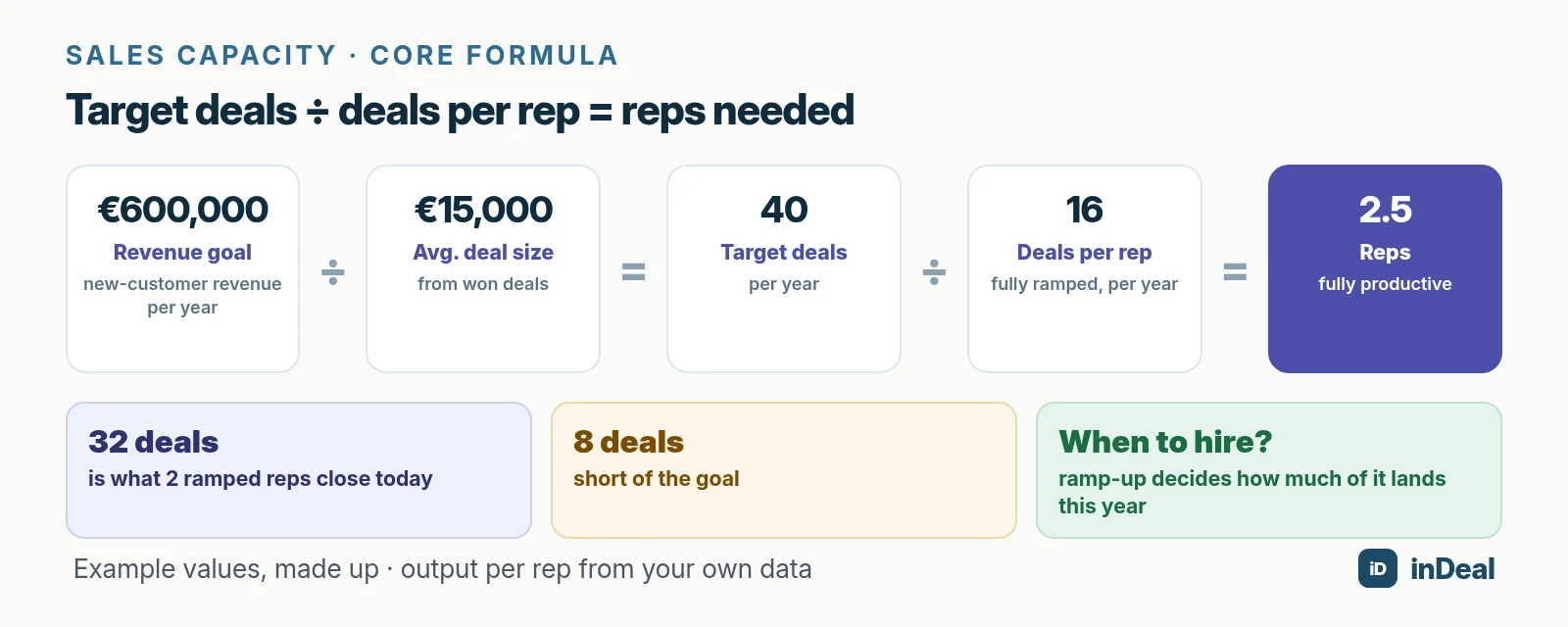
Divide the number of deals your goal requires by the number of deals a fully ramped rep closes at your company per year. The result is the number of fully productive reps you need.
An example with made-up values:
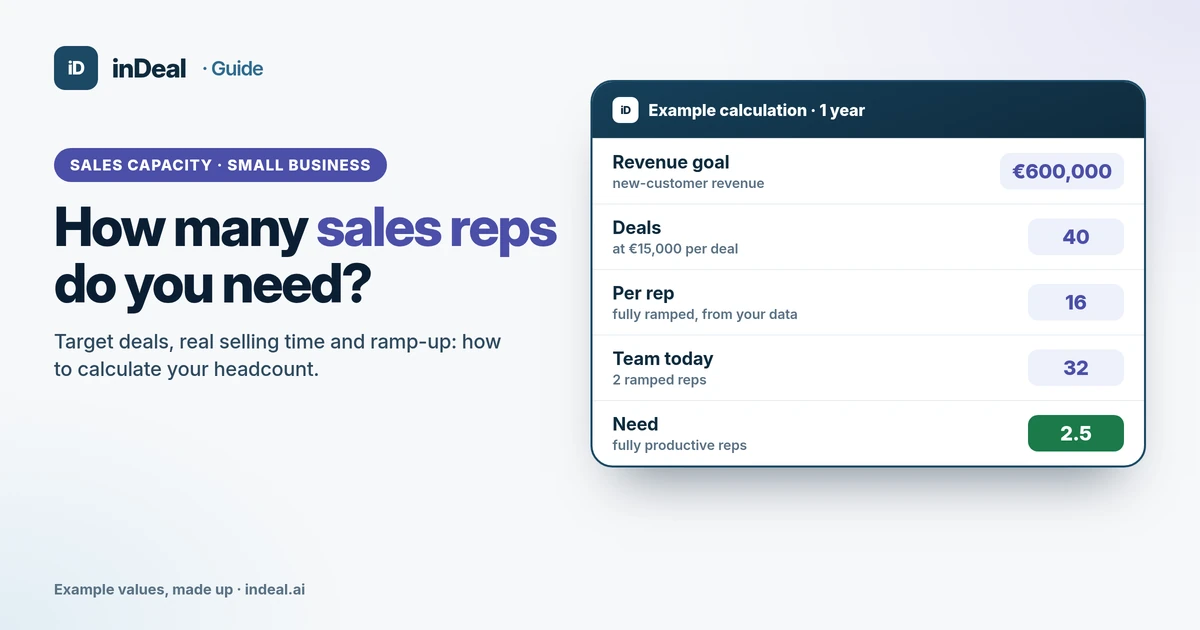
- Goal: €600,000 in new-customer revenue for the year.
- Deals: €600,000 ÷ €15,000 average deal = 40 deals.
- Output per rep: a fully ramped rep closes 16 deals a year at your company. Take this from your own data.
- Need: 40 ÷ 16 = 2.5 fully productive reps.
If you have two ramped reps today, they close 32 deals. You are 8 short. Now the question is not only whether to hire, but when.
How do you calculate sales capacity from working time?
Take your working days, subtract everything that is not selling time, and divide the remaining hours by the effort per deal. That checks whether output per rep matches the time available.
| Step | Example value | Result |
|---|---|---|
| Working days on a 5-day week | 52 × 5 | 260 days |
| Public holidays (vary by region) | 10 days | 250 days |
| Vacation | 28 days | 222 days |
| Sick days, training | 5 days | 217 days |
| Selling hours per day (excluding internal work, admin) | 5 hours | 1,085 hours |
| Effort per deal (research, meetings, offers, follow-up) | 40 hours | about 27 deals |
All values are made up. Replace them with your own, ideally after a week in which everyone logs their time.
Vacation rules depend on where your team works. In Germany, for example, Section 3 of the Federal Leave Act sets a minimum of 24 working days (Werktage) per year, where Werktage are all days except Sundays and public holidays. On a 5-day week, that equals 20 days. Many contracts offer more, so the example uses 28. Check the rules that apply to your team.
You derive the effort per deal from your funnel. If one deal takes about 100 leads, 10 booked meetings, 8 meetings held and 4 offers, add up the time for each of those steps.
Be careful with time estimates. People predict their own task times too optimistically because they focus on the plan instead of past experience. In one of the studies, the bias disappeared when participants deliberately connected their estimates with relevant past experiences (Buehler, Griffin & Ross, 1994). So measure instead of guessing, and base your numbers on recent months.
How do you account for ramp-up, time off and attrition?
Count new hires at only part of their future output in their first year. When you hire decides how much of it arrives in the current year.
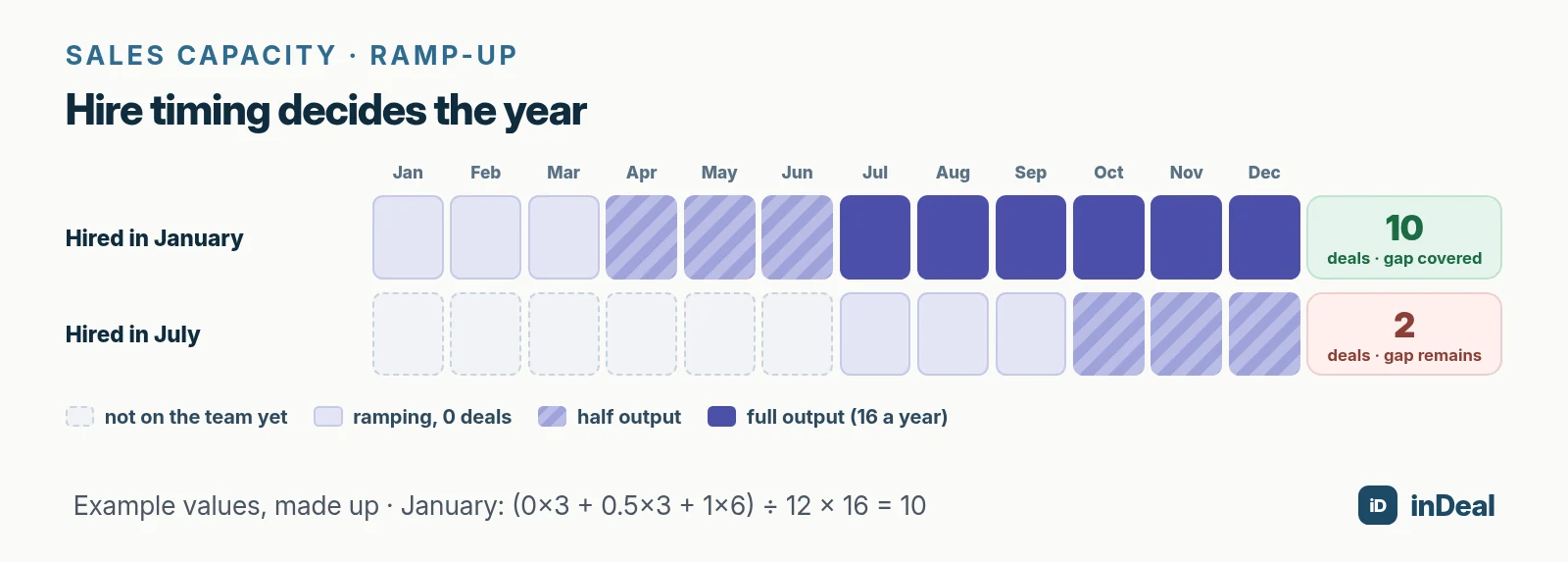
An example with made-up values: a new rep closes no deals in the first three months, half their output in months four to six, and full output of 16 deals a year from month seven.
- Hired in January: (0 × 3 + 0.5 × 3 + 1 × 6) ÷ 12 = 0.625 of annual output, or 10 deals. The gap of 8 deals is covered.
- Hired in July: by December, three months bring no deals and three months bring half output, so 0.125 of annual output, or 2 deals. Almost the whole gap remains.
Plan a buffer for attrition, too. When a ramped rep leaves, their deals disappear immediately, but the replacement needs the full ramp-up again. If you plan tight, a single resignation leaves you no time to close the gap.
The ramp curve in the example is made up. Find your own by looking back: when did your last new hire close their first deal on their own, and from when were they at the level of your experienced reps?
How do you know your sales team is at capacity?
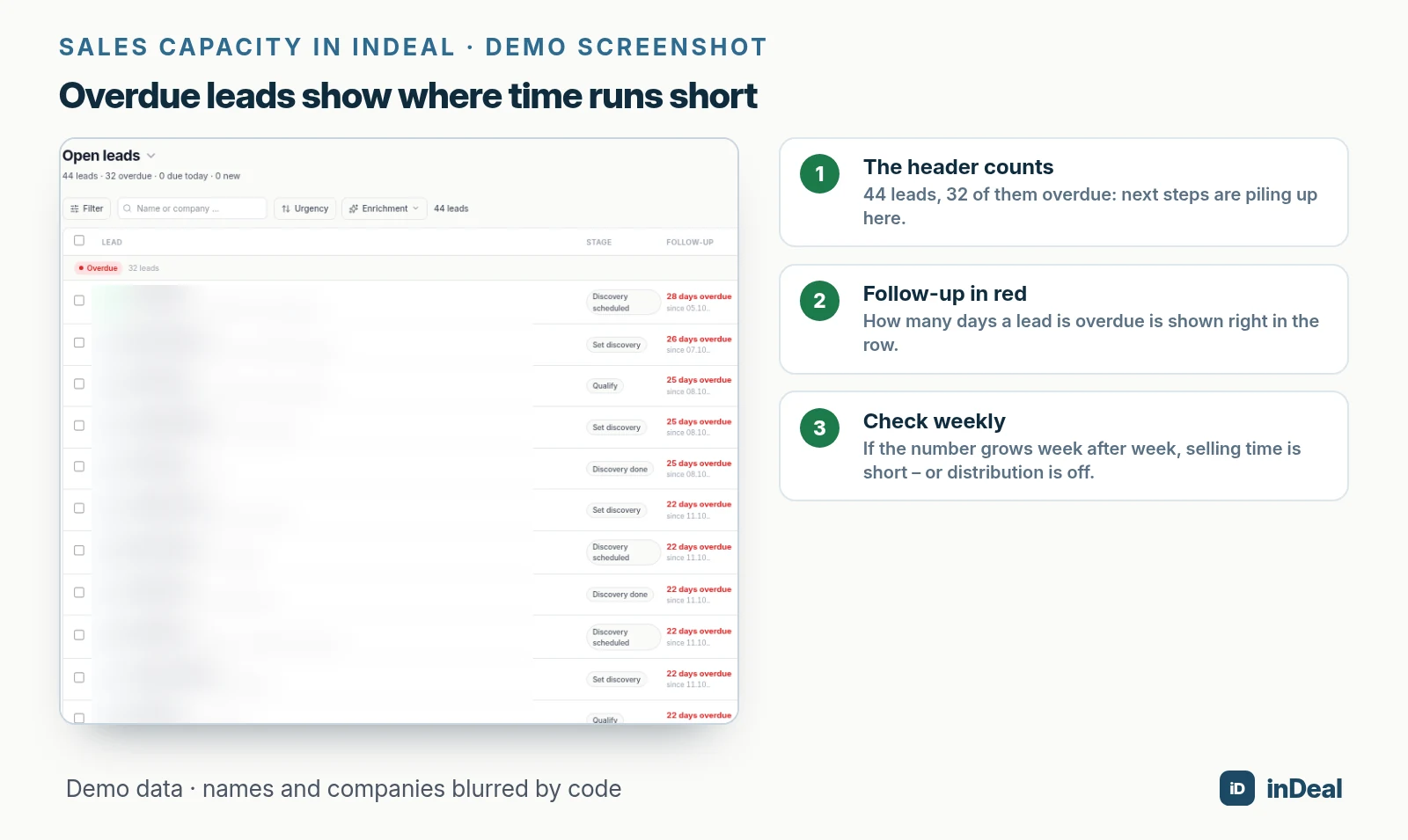
The clearest sign is work piling up: overdue leads, pushed meetings and offers without follow-up, even though demand is there. You see these signals long before you miss the annual goal.
- Overdue leads keep growing: according to the inDeal Help Center, Leads overdue is the most important number on Home. At zero, you are on top of things (inDeal Help Center). If it rises week after week, time is running short.
- New leads wait: if new inquiries get answered days later, you lose opportunities. More in speed to lead.
- Offers sit: many deals in Send offer but little revenue per week means, per the Help Center, that the offers are sitting there and follow-up is missing (inDeal Help Center).
- Meetings without results: if meetings per week go up but deals per week stay flat, nothing is being made of the conversations.
More reps, more leads or better conversion: what comes first?
Find the bottleneck first, then act. A new hire is the most expensive and slowest of the three options, but sometimes it is the right one.
| Symptom | Bottleneck | First action |
|---|---|---|
| Overdue leads rising, calendars full | Selling time | Automate routine work, then hire |
| Calendars half empty, conversion stable | Leads | Win more leads from your target audience |
| Enough meetings, few offers | Conversion after the meeting | Meeting skills and a clear next step |
| Many offers, few deals | Conversion at close | Review follow-up, offer and price |
| Part of the team overloaded, part not | Distribution | Reassign leads and accounts |
Capacity is an investment decision, and it can pay off. At Syntex Laboratories, managers and salespeople estimated the response to additional selling effort in a structured Delphi process. Based on that, the company decided to significantly increase its sales force, with a documented continuing sales increase of $25 million, or 8% a year (Lodish et al., 1988).
You handle distribution within the team with assignment rules. How to do that fairly by count and value is covered in lead routing.
When can automation replace another hire?
Automation creates capacity when it takes over routine work: capturing data, setting reminders, first outreach and follow-up. The sales conversation itself stays with people.
inDeal's appointment agent reaches out to matching people from your LinkedIn profile, follows up and prepares replies. You decide who it contacts and what it writes, and whether replies go out with approval or on autopilot (inDeal Help Center). According to indeal.ai, it is optional: try it 14 days for 5 €, then 49 € a month.
Which other workflows you can automate in a CRM is shown in CRM automation for small business. How the agent works in detail is explained in AI appointment agent.
How do you plan sales capacity in inDeal?
In inDeal, you see per person what is piling up and can redistribute work without paying for extra licenses.
- Set up the team: under Team you invite people with the Admin or Sales role. Sales sees and edits only their own leads (inDeal Help Center).
- See the load per person: with the Sales role, Home counts only your own leads and deals. So each person sees their own overdue leads.
- Watch the weeks: Weekly trends show leads, meetings, deals and revenue per calendar week for the last four weeks.
- Store your rates: under Performance & conversion you enter your benchmarks. The example on 100 leads shows how many meetings, offers and customers they turn into (inDeal Help Center).
- Handle departures cleanly: when someone leaves, deactivate first. Their leads and deals stay with them, they remain selectable in the filter, and you reassign the records calmly. Remove them only after that.
Account, pipeline and email integration cost nothing, for unlimited users, according to indeal.ai. So adding a rep costs you no CRM license.
Which capacity planning approach fits your team?
The smaller the team, the more the timing of the next hire matters. One more person changes everything on a team of three.
| Situation | Recommendation |
|---|---|
| Founder sells alone | Log selling time for a week, automate routine work, then hire |
| 2 to 5 reps | Goal and time math per person, check overdue leads weekly |
| Growth goal for next year | Time the hire so ramp-up ends before your strong season |
| Team busy, calendars still empty | Don't hire; improve leads and conversion |
Capacity planning is part of the perfect CRM sales process. How an AI CRM takes routine work off small teams is explained in AI CRM for small business, and the free options are compared in free CRM for small business.
A free CRM for your whole team. Start inDeal in 2 minutes. Just an email address, no credit card to sign up, unlimited users.
Start freeKeep reading
- How to write a sales plan for a small business
- Lead routing for small businesses
- Speed to lead: how fast you should respond
- CRM automation for small business
- Sales forecasting for small business
Frequently asked questions
How many sales reps does a small business need?
How long does sales rep ramp-up take?
How much time do sales reps actually spend selling?
When should I hire my next sales rep?
What is the difference between a sales plan and sales capacity planning?
Can an AI appointment agent replace a sales rep?
Does a CRM cost more for every sales rep I add?
Is inDeal the same as indeal.io?
Sources
- Sales Territory Design: Thirty Years of Modeling and Implementation (Marketing Science 24(3))
- Sales Force Sizing and Deployment Using a Decision Calculus Model at Syntex Laboratories (Interfaces 18(1))
- Exploring the 'planning fallacy': Why people underestimate their task completion times (Journal of Personality and Social Psychology 67(3))
- Federal Leave Act (Bundesurlaubsgesetz, BUrlG) Section 3: Duration of leave
- Managing the team
- The five metrics at the top
- Reading weekly trends and the pipeline overview
- Company profile and conversion values
- The appointment agent at a glance
- inDeal – free AI CRM for small businesses
inDeal is the AI CRM for small and mid-sized B2B companies.
Keep reading
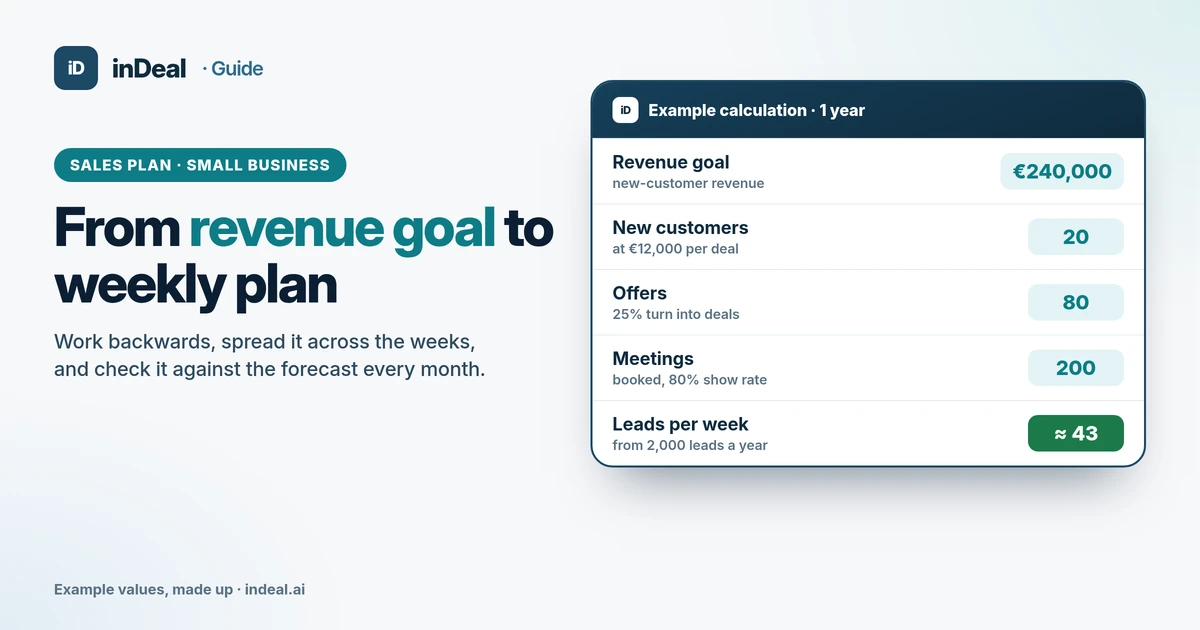 Sales and follow-up
How to Write a Sales Plan for a Small Business (2026)
Sales plan for small business: work back from your revenue goal to customers, offers, meetings and leads, set weekly targets and review monthly.
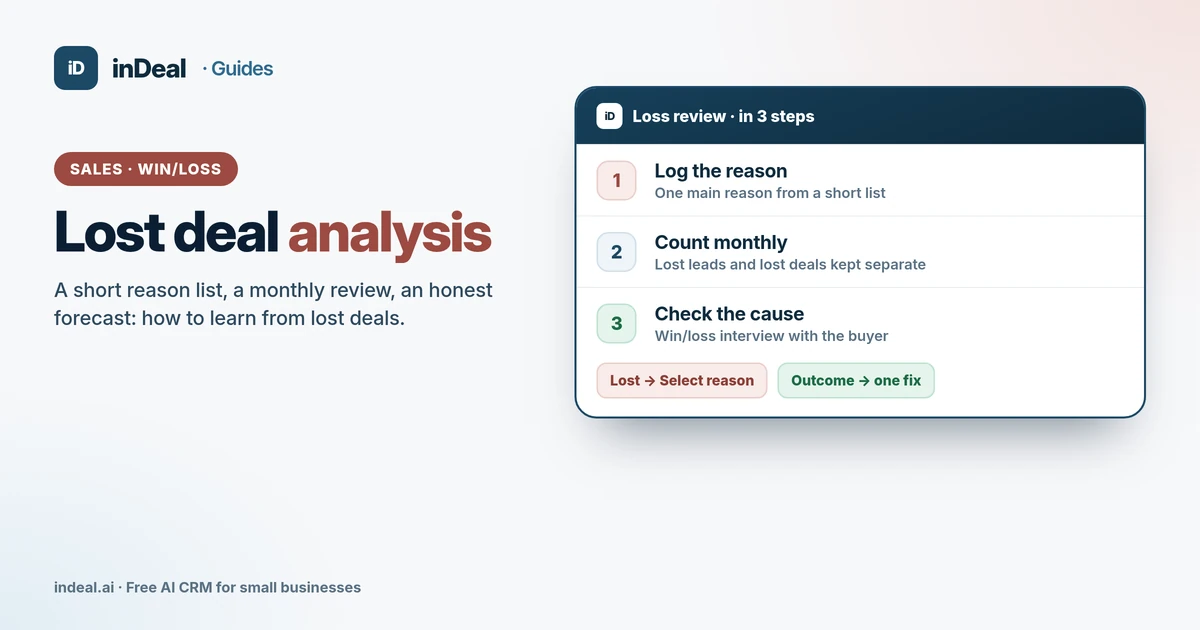 Sales and follow-up
Lost Deal Analysis: Why You Lose Deals (Small Business 2026)
Lost deal analysis for small businesses: a short loss reason list, lost leads vs. lost deals, a monthly win/loss review and interviews – in a free AI CRM.
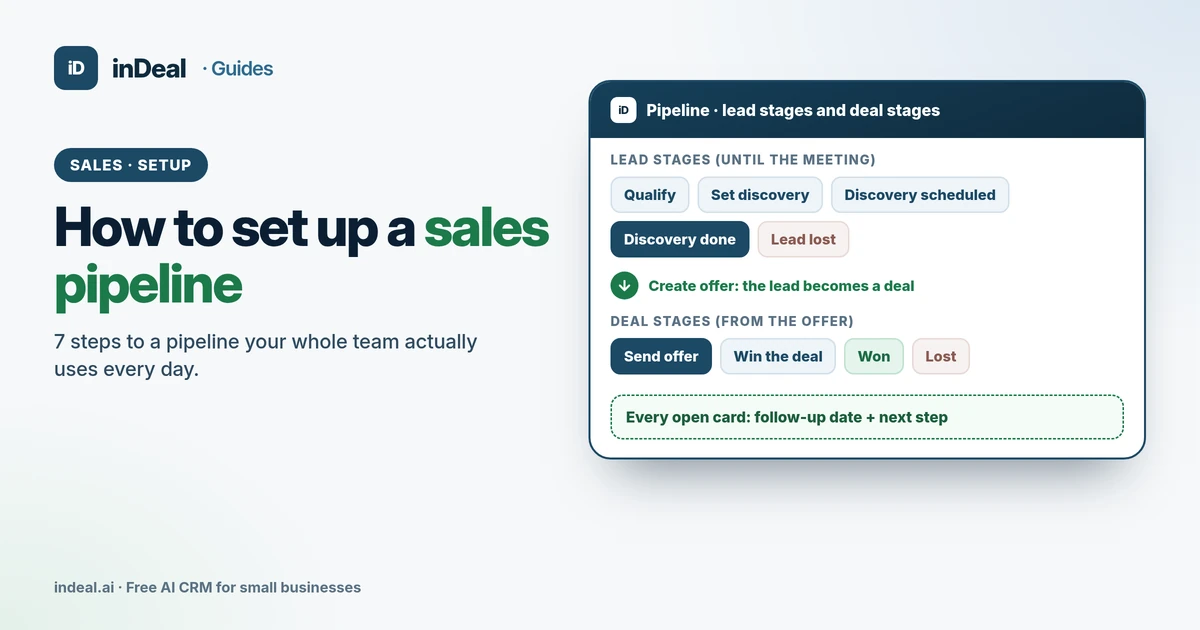 Sales and follow-up
How to Set Up a Sales Pipeline in 7 Steps (Small Business 2026)
How to set up a sales pipeline your team actually uses: 7 steps from stages and required fields to roles, import and a weekly review – in a free AI CRM.